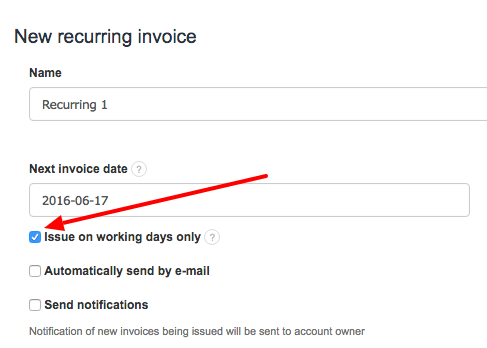
InvoiceOcean enables you to issue recurring invoices only on work days, this will prevent the system from automatically sending an invoice on the weekends.
To do this, create a new recurring invoice by going to Income > Recurring invoices > New recurring invoice > Issue on working days only.
Remember to check the box and to save. This change will only apply to this invoice.
Searching for an answer...
AI Answer
Sources
Was this answer helpful?
Unfortunately, I couldn't find an answer to this question.