After selecting the above option, products that are not yet in our product database will be added to it when saving the invoice on which they will be added for the first time.
You can also block this option by selecting DO NOT automatically attach products from invoice to product database.
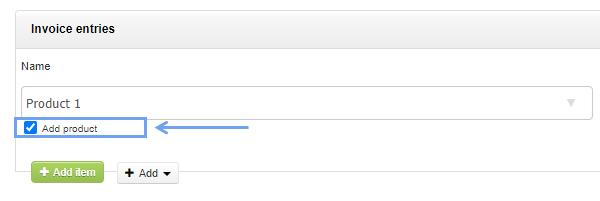
Regardless of the selected option, whether or not the products will be added to the database from the invoice level, after selecting the Show confirmation checkbox under every item on sales invoices option, the user will be able to decide, each time when issuing the document by checking the checkbox, whether the product is to be added or not.

NOTE: If you are using a warehouse service and the product has not been received with a warehouse document, it will start generating negative states.