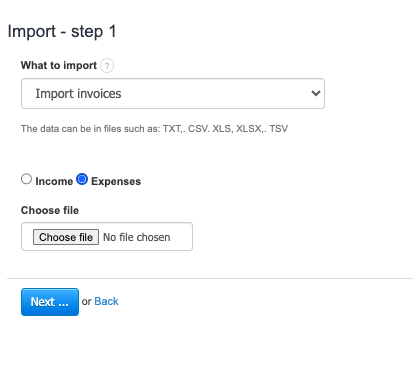
To import invoices on the expenditure side:
- Go to Settings > Import.
- Click on the Import invoices button.
- Check the Expenses checkbox.
- Click on the Choose file button.
- After selecting the file, press the Next button
Imports from XLS/CSV have a limit of 1000 rows at a time, which means 1000 items on imported invoices, as each item is a separate row. If the file is larger, it should be split, and several imports should be performed