In each list (e.g. of invoices or warehouse documents) in InvoiceOcean, you can sort the documents by a given value by clicking on the column headers.
Unfortunately, I couldn't find an answer to this question.
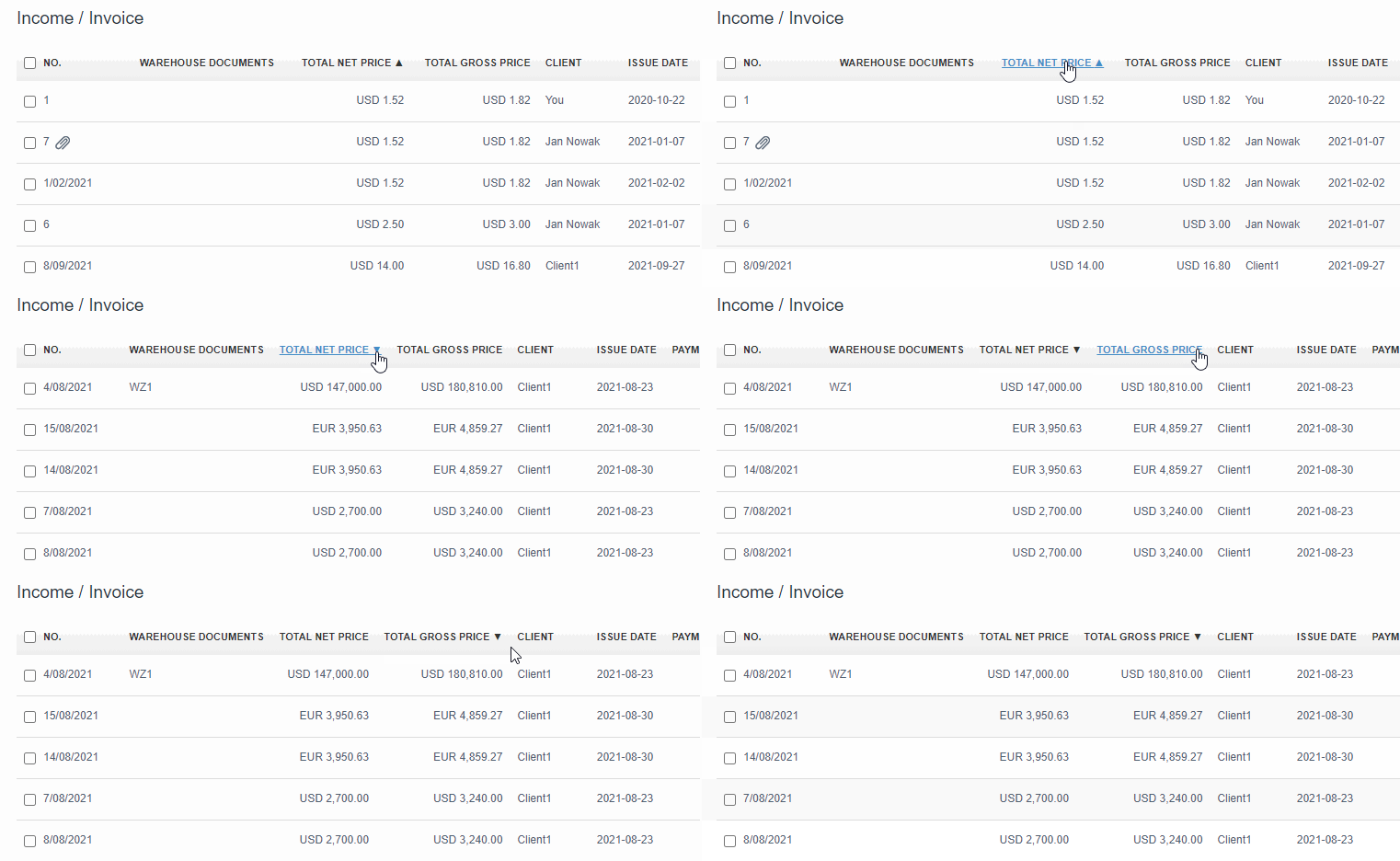
In each list (e.g. of invoices or warehouse documents) in InvoiceOcean, you can sort the documents by a given value by clicking on the column headers.
Sorting by Number doesn’t work. It always uses Issue date as second parameter. Why?
Hello,
You can search the number of your invoice using the search filter: “Enter keyword or number” on the left side of your screen. You also have, as you mentioned, search by date, document type, company, etc. If you have more questions, do not hesitate to contact us.