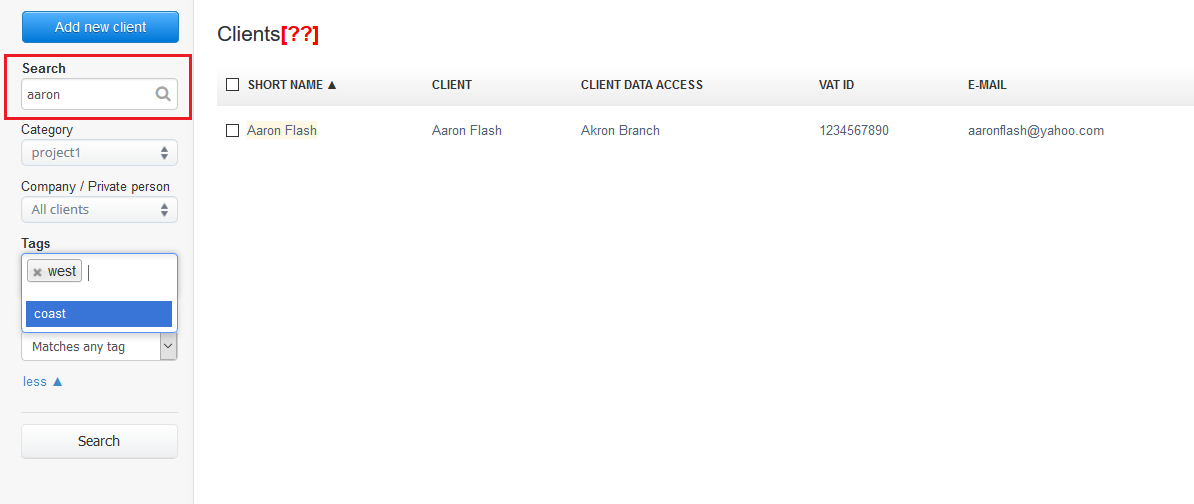
If you want to find a specific client, InvoiceOcean allows you to search through your clients.
To do so, click on the Clients button, then use the Search button.
Searching will be done by using:
- email;
- Client ID;
- Additional note.
Also, you may seek your client using fields: Category, Tags as well as Company/Private person/All clients.
After inserting the search query, click on the grey Search button.
InvoiceOcean will look for entries matching your search.
See the example below: