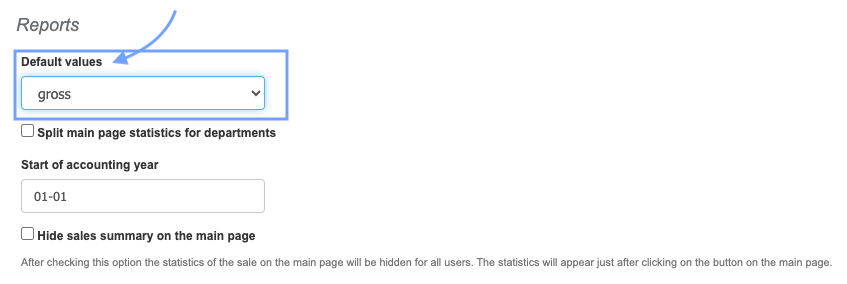
InvoiceOcean gives users the option to determine whether they want to display turnovers in net or gross amounts in generated reports (Reports tab > Charts) and on the home page just after logging in.
To do this:
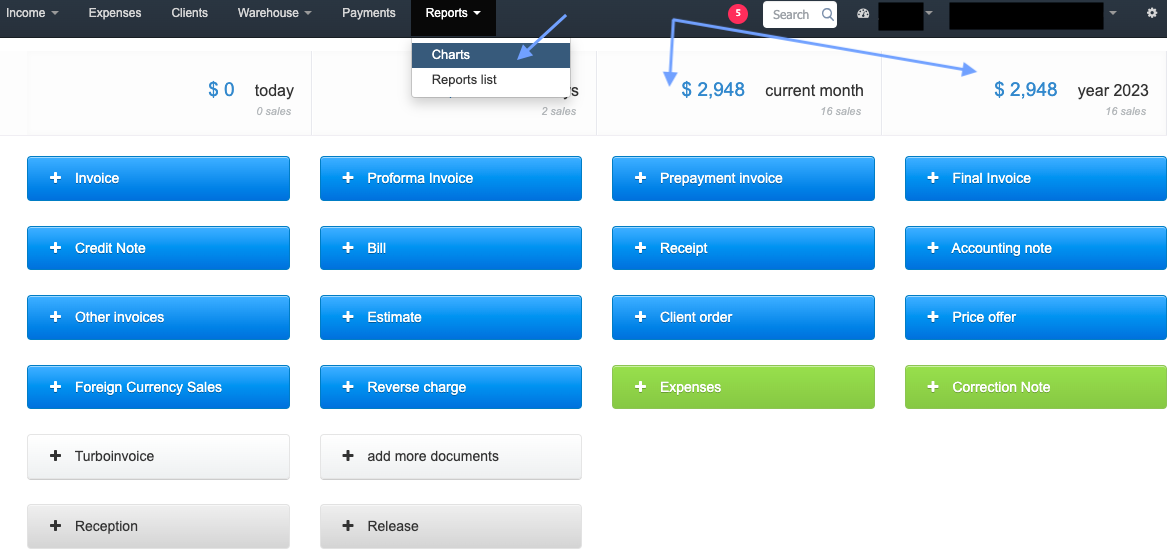
- Go to Settings > Account Settings > Configuration > Reports
- In the Default values section, choose the net or gross option.