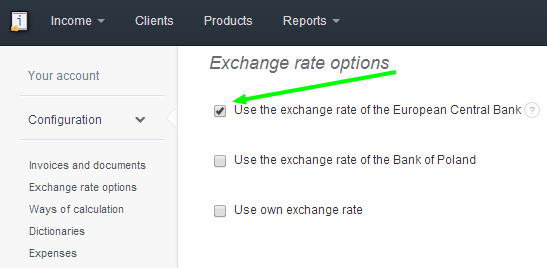
While issuing European invoices, it is convenient select the currency exchange rate to be in accordance with the European Central Bank. In order to do so, go to Account settings > Configuration > Exchange rate options > Use the exchange rate of the European Central Bank.
Searching for an answer...
AI Answer
Sources
Was this answer helpful?
Unfortunately, I couldn't find an answer to this question.