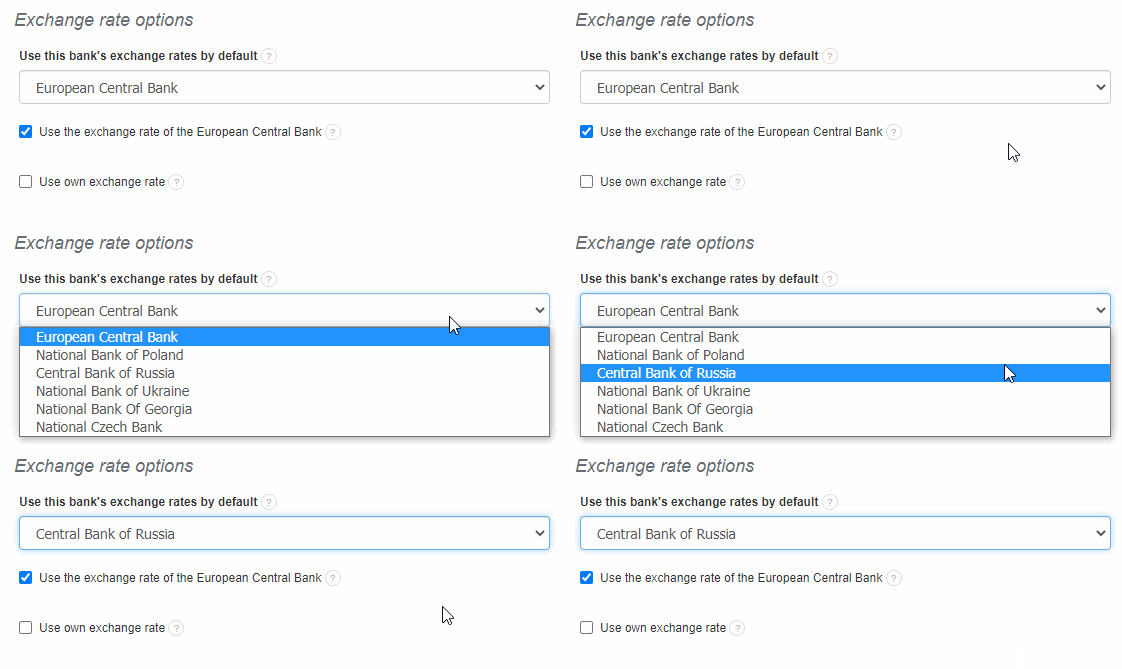
When issuing invoices in InvoiceOcean, you can specify currency conversion according to the exchange rate of the Central Bank of Russia.
To use this conversion, select the checkbox in Settings> Account settings> Configuration> Exchange rate options> Use this bank’s exchange rates by default> Central Bank of Russia and click Save.