- English
- Spanish
- French
- Polish
- German
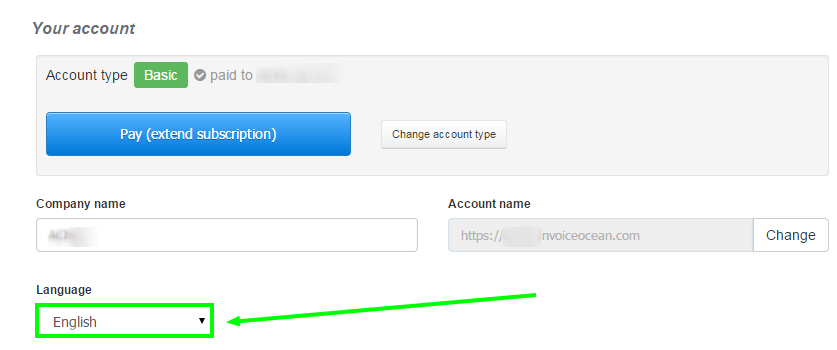
Note: Changing the language does not affect the language of the previously issued documents.
Unfortunately, I couldn't find an answer to this question.
Unfortunately, I couldn't find an answer to this question.
Gloria