Skip to content

Block the ability to manually change invoice numbers

Number of views: 5465 1 min read
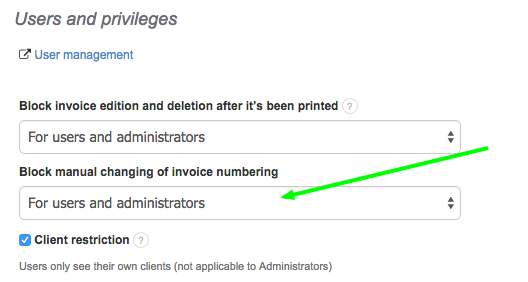
The program allows you to give users certain privileges and restrictions. One of them is the ability to manually change the invoice number (during edition or after the document has been deleted). You may choose to restrict this feature to certain users that have access to your account or only give this ability to Administrators. In order to block the ability to manually change invoice numbers for certain users, go to Settings > Account settings > Configuration > Users and privileges  > Block manual changing of invoice numbering

Was this entry helpful?

Share

Comments