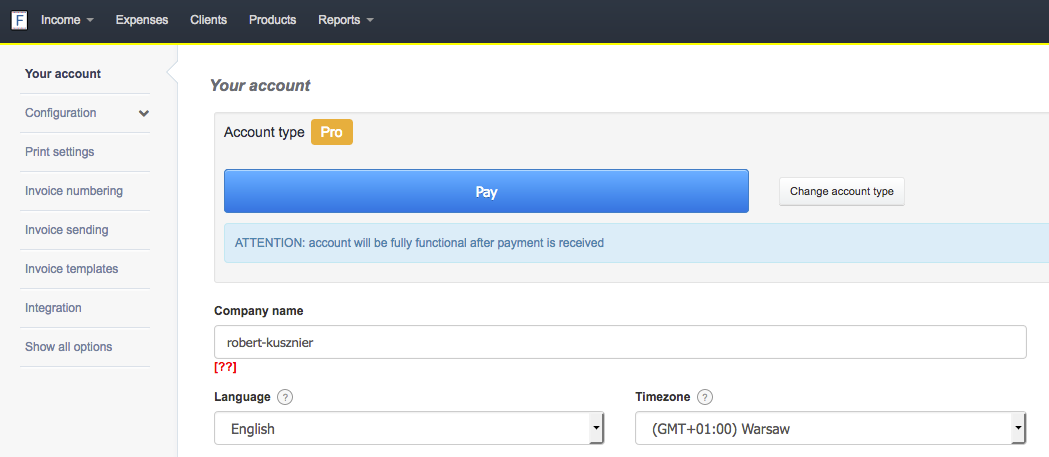
InvoiceOcean understands that rebranding is a possibility, and in order to continue using our software a name change might be necessary. As such we allow name changes. To change the company name navigate to:
Settings > Your account > Company name. In the field with company name, simply type in the new name.