While you are generating a new invoice, click Edit under Seller's details. A menu will appear allowing you to select a different company or department.
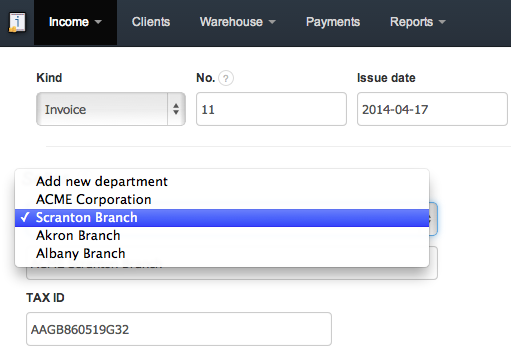
New departments can be added in Settings > Company / department > Add new department. Detailed information on how to add and manage companies and departments can be found here.