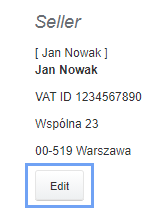
If you want to change the department or company when creating a new invoice, open the new invoice form and then click the Edit button under the existing Seller data.
After clicking Edit, in the place of the seller's name, a Select Menu appears with the selection of departments/companies that you have defined in the Company / department tab.
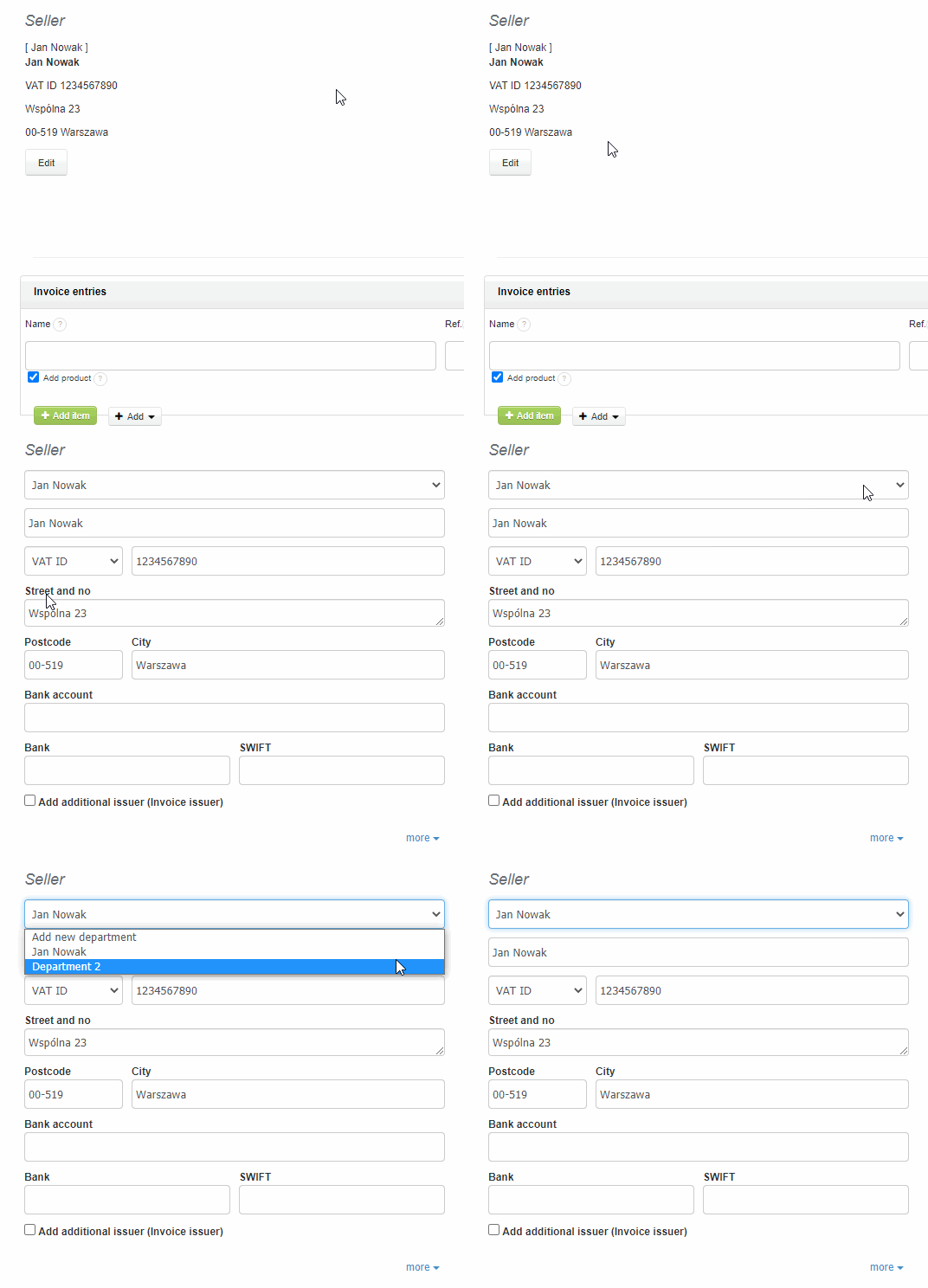
A new company department can also be added from the invoice level. Information on how to manage departments is available here.