InvoiceOcean allows you to change the company/division while performing/editing the invoice.
To do so please click on the ‘Edit’ button in the Seller’s area.
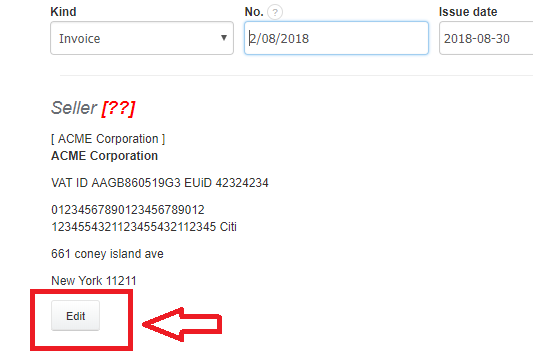
After clicking the ‘Edit’ button, a new drop-down menu appears, when you may choose companies/divisions previously added on your account.

When you choose the exact department, all the data from the ‘Company / department’ section will be uploaded to the appropriate fields.