The main screen also shows sales statistics divided into: today, last 7 days, current month and year.
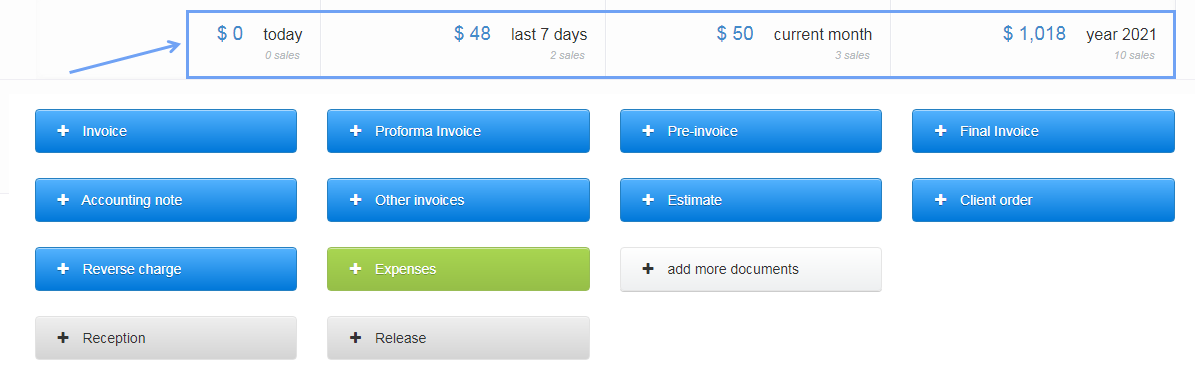
When managing Departments/Companies in InvoiceOcean, you can get a breakdown of the sales summary for these Departments/Companies.
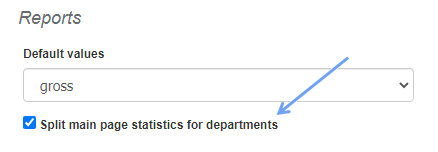
To do this, go to the Settings> Account settings> Configuration> Reports tab and select the Split main page statistics for departments box.
After saving the changes, the main page will display a detailed breakdown of sales amounts with a distinction for Departments/Companies.
