If you want to have the same note for every invoice issued by a certain company / department, go to Settings > Company / department > Edit > Default note on invoices.
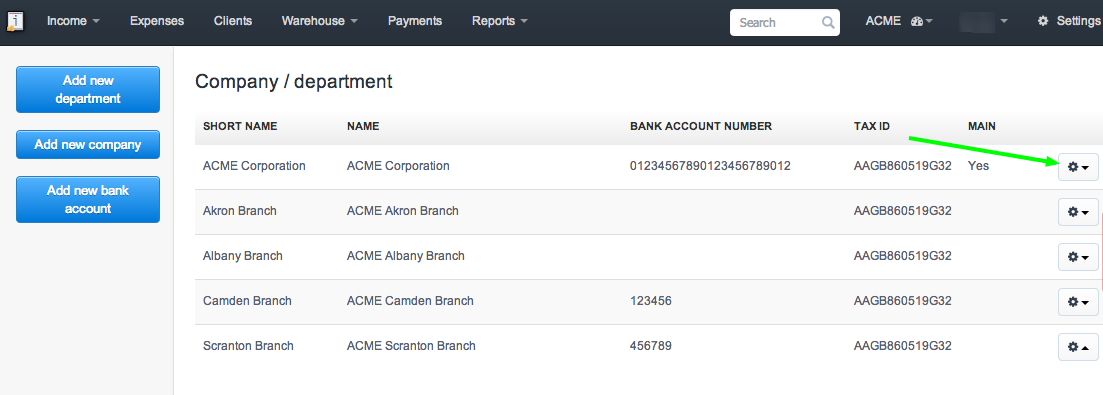
Separate notes can be added for each department. While generating department invoices, those notes will appear accordingly.
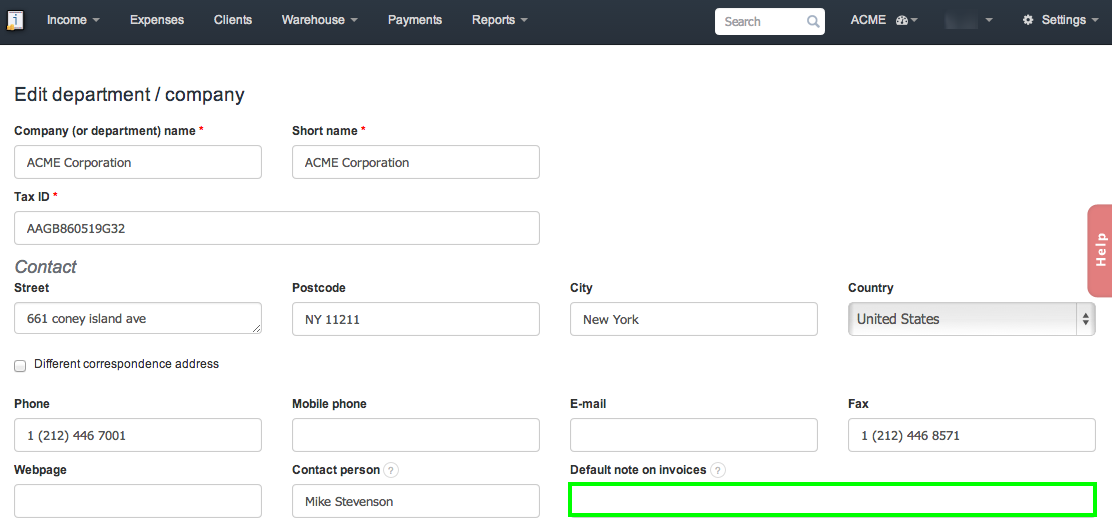
Our users use this field to provide necessary company / department information, such as: additional branch office address, information regarding the range of clients as well as notes based on a certain law.