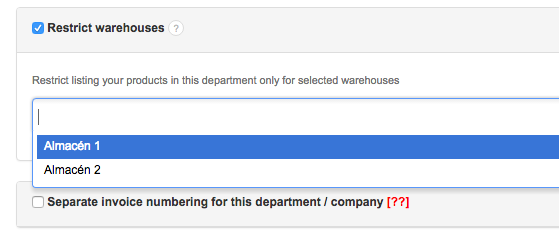
This feature allows you to restrict sending products for this department only from selected warehouses.
It is useful when you, for instance, assign a certain user to a department and only wish them to be able to sell products from a specific warehouse.
In order to restrict your products in one of your departments only for selected warehouses, go to Settings > Company/Department > Edit department > Restrict warehouses and select the warehouse from the list.
The feature is available with the warehouse management option, from the Professional plan and onwards.