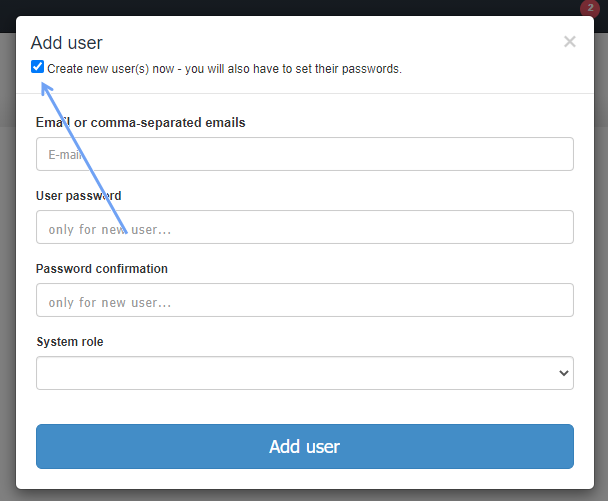
To add a User to the system, you can invite them to use InvoiceOcean (then you wait for the User's acceptance), or you can create a User right away – to do this, select the Create new user(s) now - you will also have to set their passwords checkbox in Settings> Users> Add/invite user. As the option indicates, a password must also be set for this User. We provide a password only if the User's e-mail address does not exist in the system.