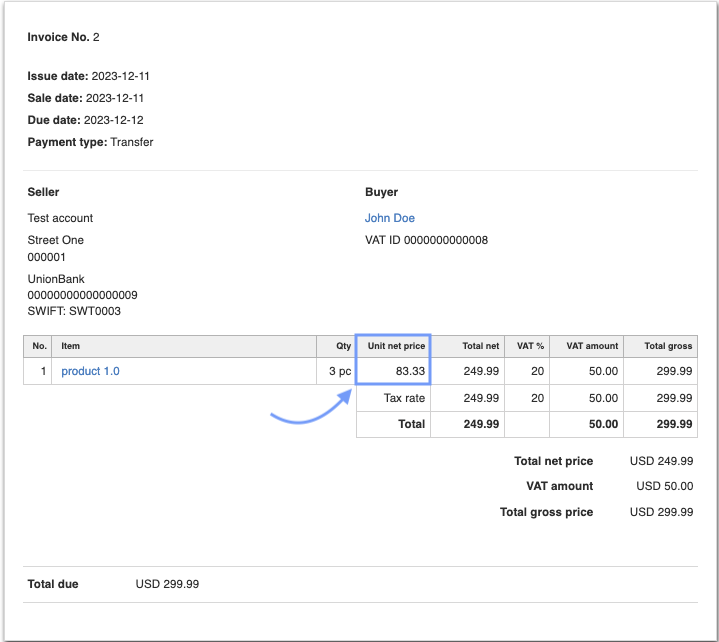
How to permanently add the net unit price to the invoice printout?
To permanently add the net unit price to the invoice printout:
1. Go to Settings > Account Settings > Print settings.
2. Check the checkbox next to the option Display net unit price.
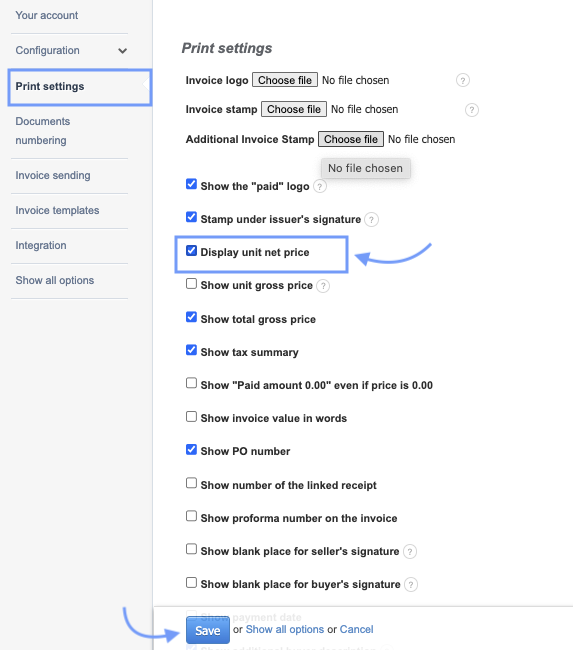
3. Confirm the changes by clicking Save at the bottom of the page.
In the documents created within the account, a section with the net unit price will be visible.
An example document indicates the visibility of the net unit price on the invoice printout.
Also, check:
How to permanently add the gross unit price to the invoice printout?