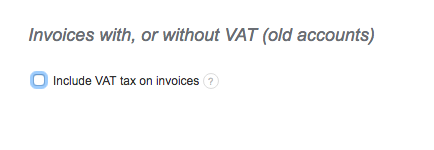
InvoiceOcean allows for issuing invoices without tax, in order to do this you will have to navigate to:
Settings > Account settings > Include VAT tax on invoices, and uncheck the box.
Please note that this will disable tax on all new invoices. Alternatively, you can simply create a new invoice and in the Invoice Entries simply disable tax. This will allow you to issue a single invoice with no tax.
Searching for an answer...
AI Answer
Sources
Was this answer helpful?
Unfortunately, I couldn't find an answer to this question.