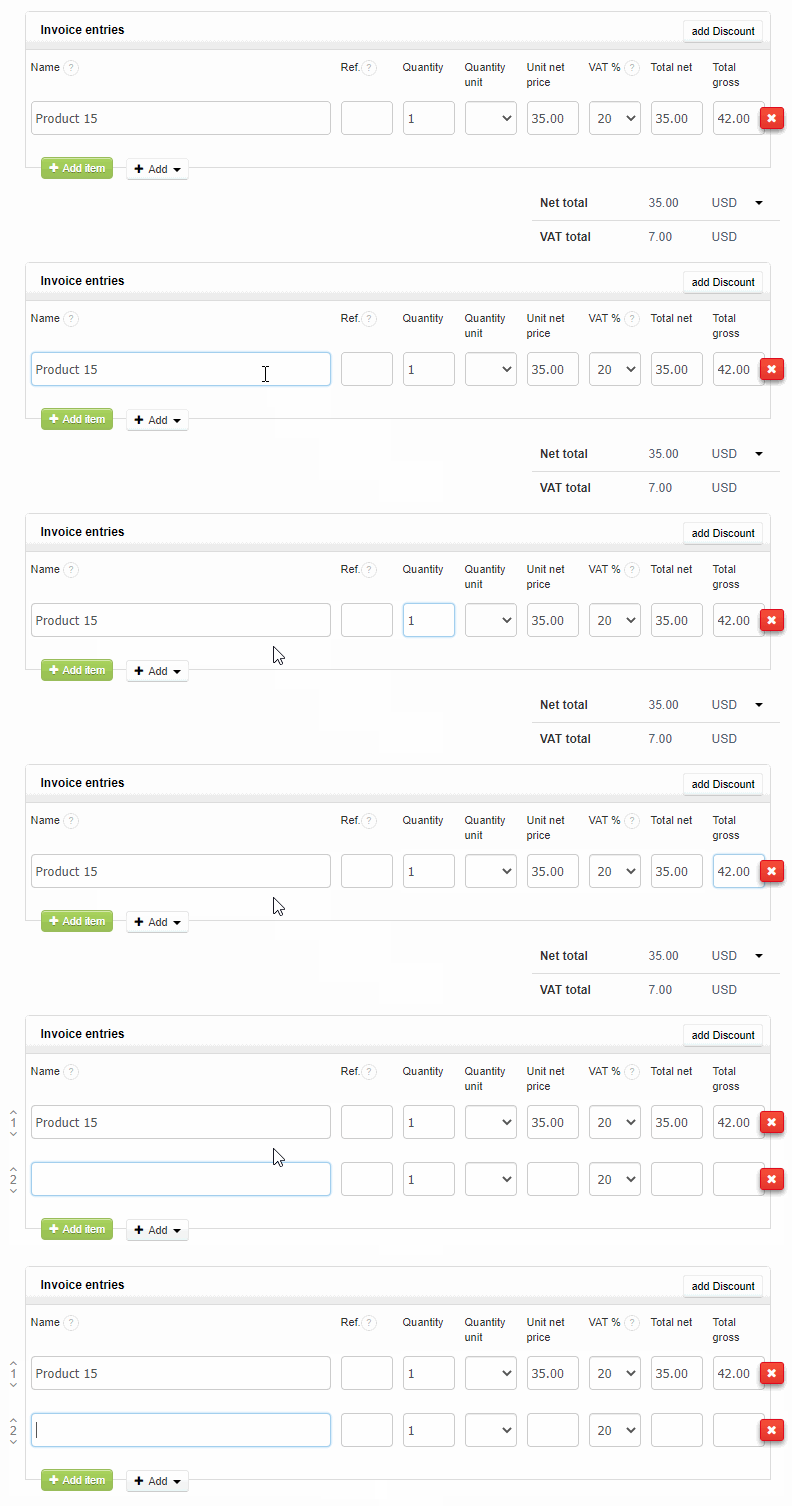
There is a feature in our system that speeds up the creation of a document with multiple items. To add another product or service, use the keyboard itself. The tab key will take you to the next field of the same item, and when you use the enter key, when the tab is in the + field, you will add another item.