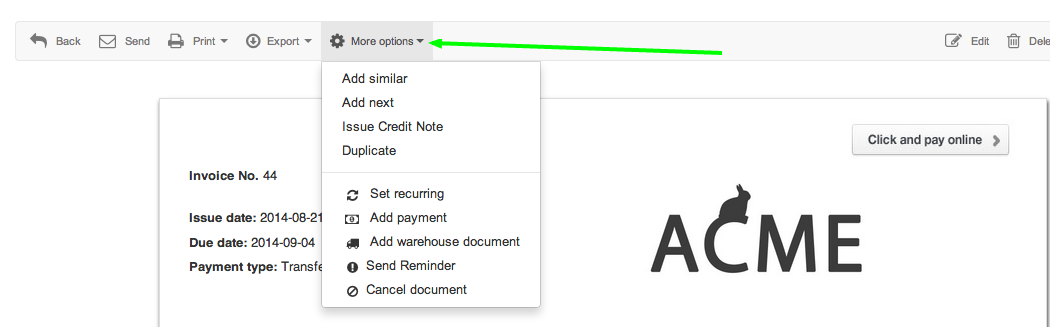
for instance:
- Add similar - issues the same invoice with sequential numbering.
- Add next - quickly lets you issue a new document.
- Issue Credit Note - allows you to issue a Credit Note based on the invoice.
- Duplicate - duplicates the document on a certain date.
- Set recurring - sets the invoice as recurring. Learn more on how to enable and manage recurring payments.
- Add payment - adds the invoice as a new payment.
- Add warehouse document - adds the invoice as a warehouse document. Learn more on how to activate and manage warehouses.
- Send reminder - lets you send a customised reminder if the invoice is unpaid.
- Cancel document - cancels the invoice without deleting it.