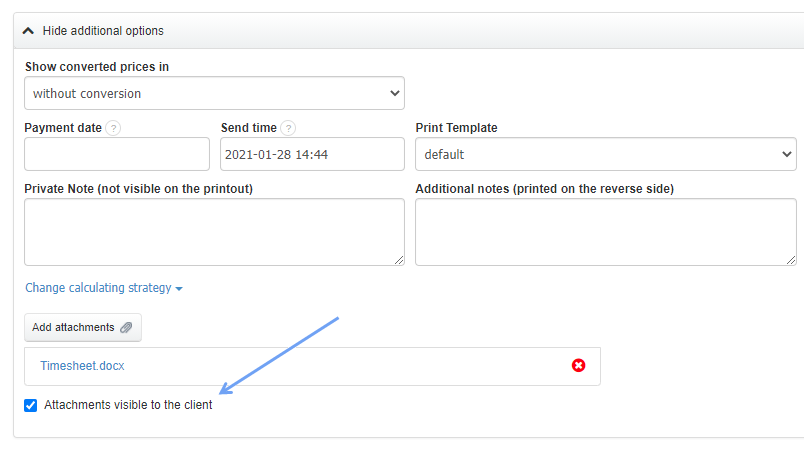
To each invoice (and other document) you can attach attachments, which by default are visible only to the user of the system.
We have added the option of marking such attachments as “public” so that the client receiving the invoice can see them. This can be useful, for example, when you attach a “timesheet” to an invoice or other document that your client requires. Simply select the Attachments visible to the client option after adding the attachment.
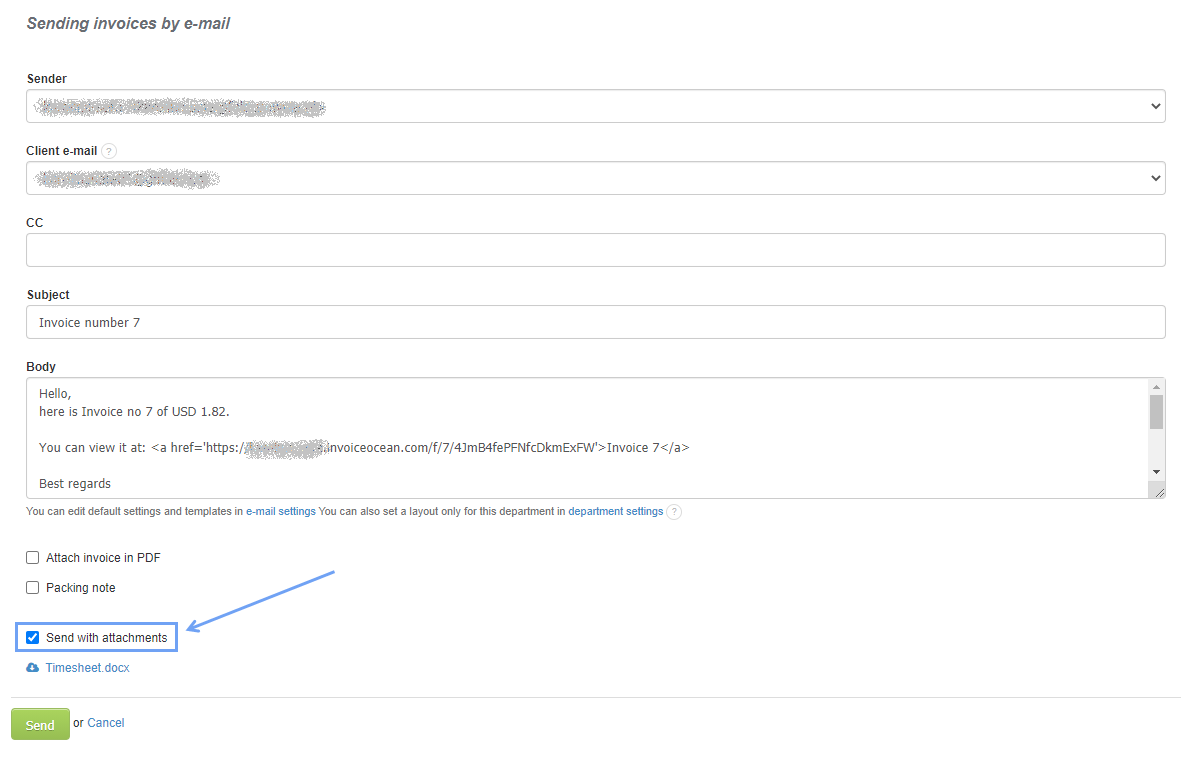
You can directly send attached files to the client by selecting the Send with attachments option.
Another option is to send the client a link to such an invoice. It will show attachments that the client can download.