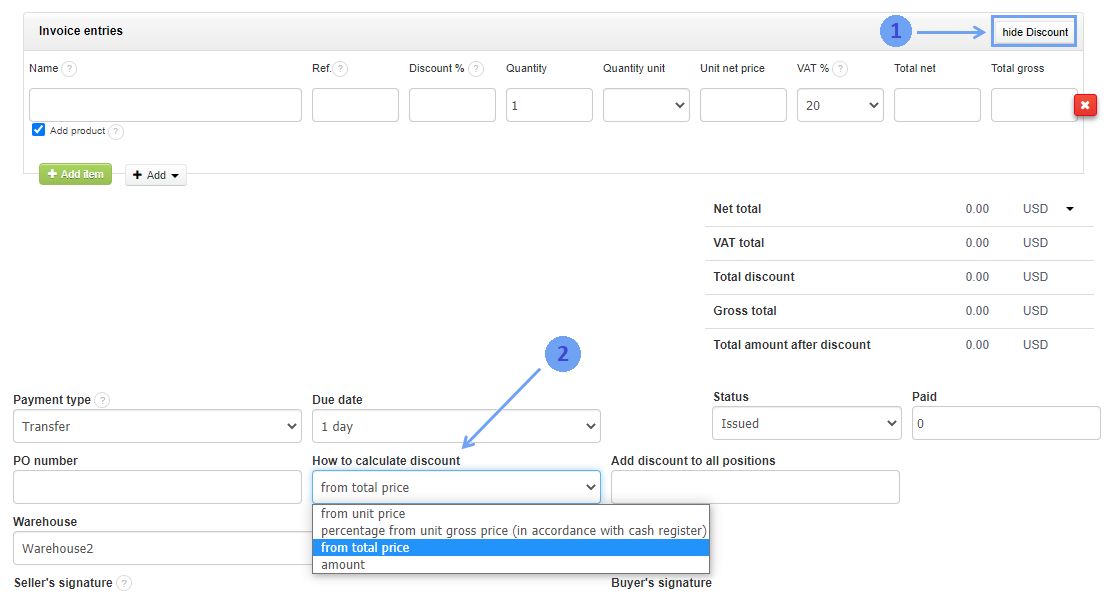
In InvoiceOcean, you can choose from several ways to calculate the discount:
- from unit price
- percentage from unit gross price (in accordance with cash register)
- from total price
- amount
It is possible to set the discount at the time of invoice generation. To do this:
- go to Settings> Account settings> Configuration> Ways of calculation
- select the check box ability to change the discount type in document editor> Save