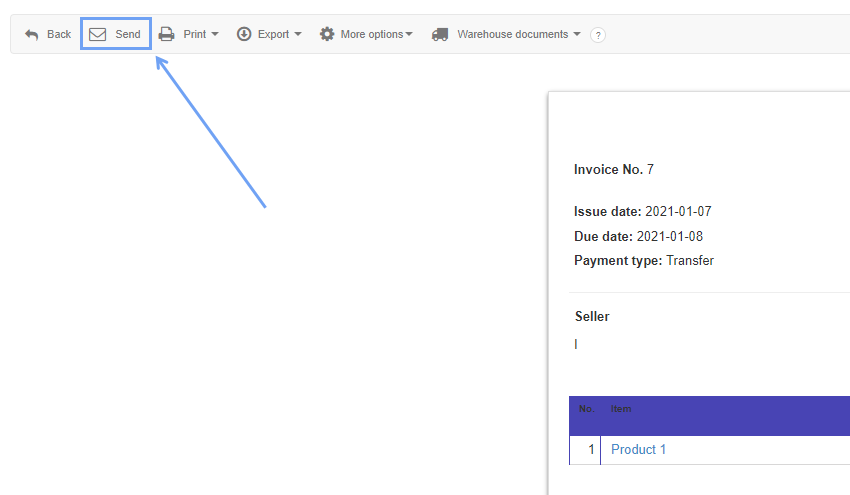
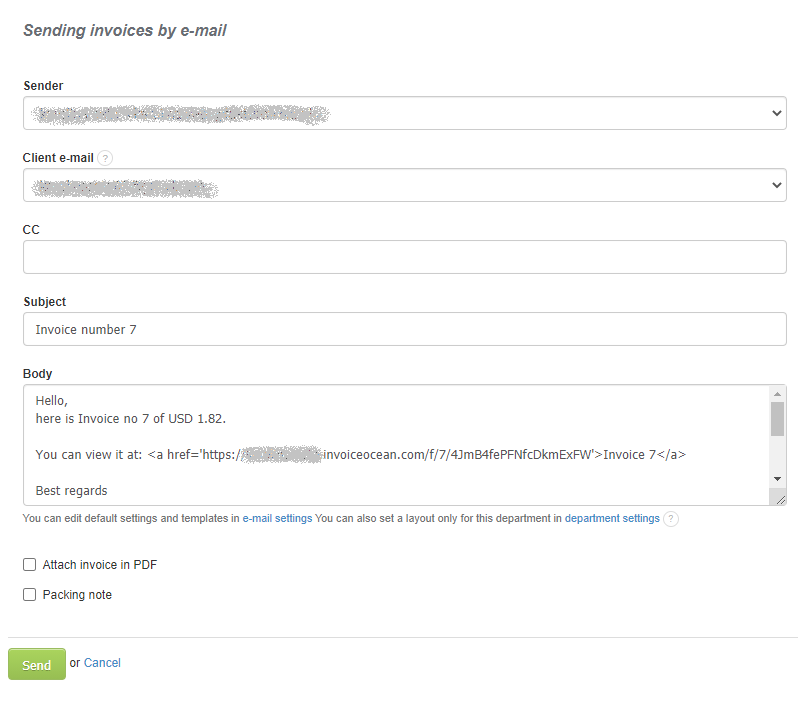
To send the issued invoice by e-mail directly from the system to a client, you need to click on the Send button in the invoice preview screen (you need to save the invoice), then you will go to the subpage where you can enter the client's e-mail address and you can write a short message to him. The invoice can be sent as a link and attached as a pdf.
Searching for an answer...
AI Answer
Sources
Was this answer helpful?
Unfortunately, I couldn't find an answer to this question.