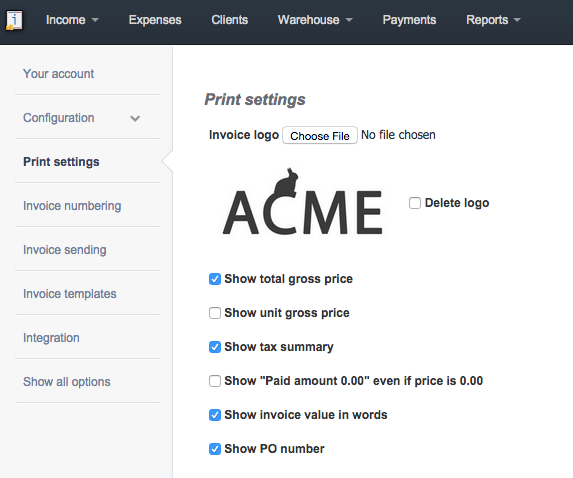
InvoiceOcean allows you to modify the number of visible fields on a printed document. It also allows you to add the Purchase order (PO) number on the invoice, this can be done by going to:
Settings > Account settings > Print settings > Show PO number.