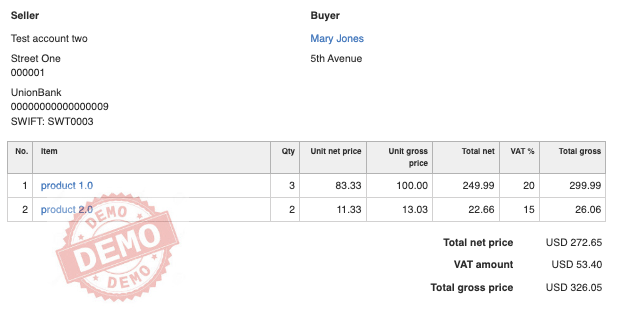
InvoiceOcean allows for the flexible modification of the number of fields visible on the document printout.
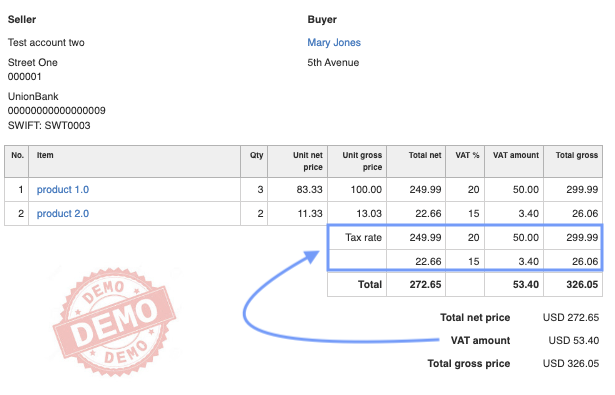
When issuing an invoice with items that include several different VAT rates, it is easy to permanently add the display of a VAT value summary with a breakdown for each individual rate.
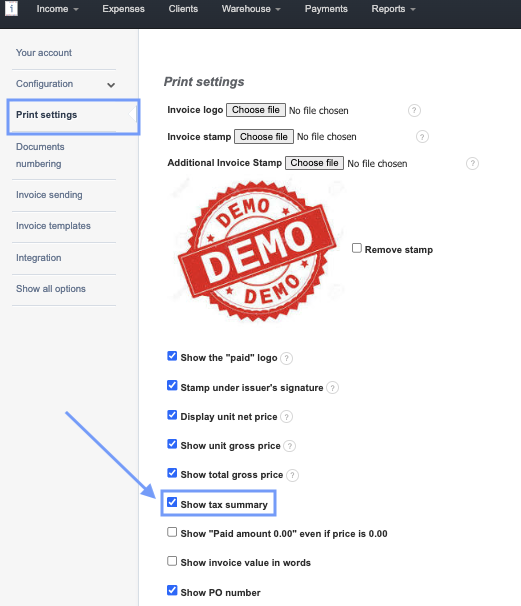
To achieve the breakdown of VAT values for individual rates, you should go to SETTINGS > ACCOUNT SETTINGS > PRINT SETTINGS > Show tax summary.
The result will be the addition, below the items, of a section labeled Tax rate containing the values of tax amounts for the respective rates