When creating a new product in the database, you should fill in the required fields, Name and Net Price. In addition to that, there is the possibility to provide additional information about the product being sold. One of them is the Supplier Code. If the product has its own supplier code, you can also enter it in the product card in InvoiceOcean. This article will show you where the Supplier Code field is available.
Supplier Code Field in the Product Card
If the product has its own supplier code from which you purchase it, you can enter it in the product card. To do this:
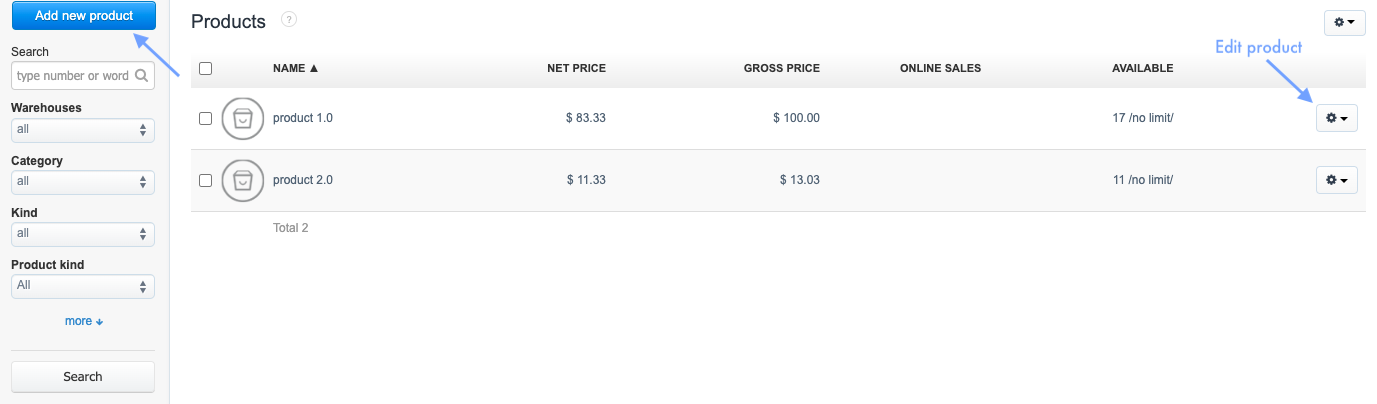
1. Go to the Products tab or Warehouse > Products, if you are using warehouse management;
2. use the Add new product button to add a new item or click the gear icon and select Edit to go to the editing form;
2. use the Add new product button to add a new item or click the gear icon and select Edit to go to the editing form;
3. Expand the See more options section (or Hide additional options if already expanded); find and fill in the Supplier Code field;
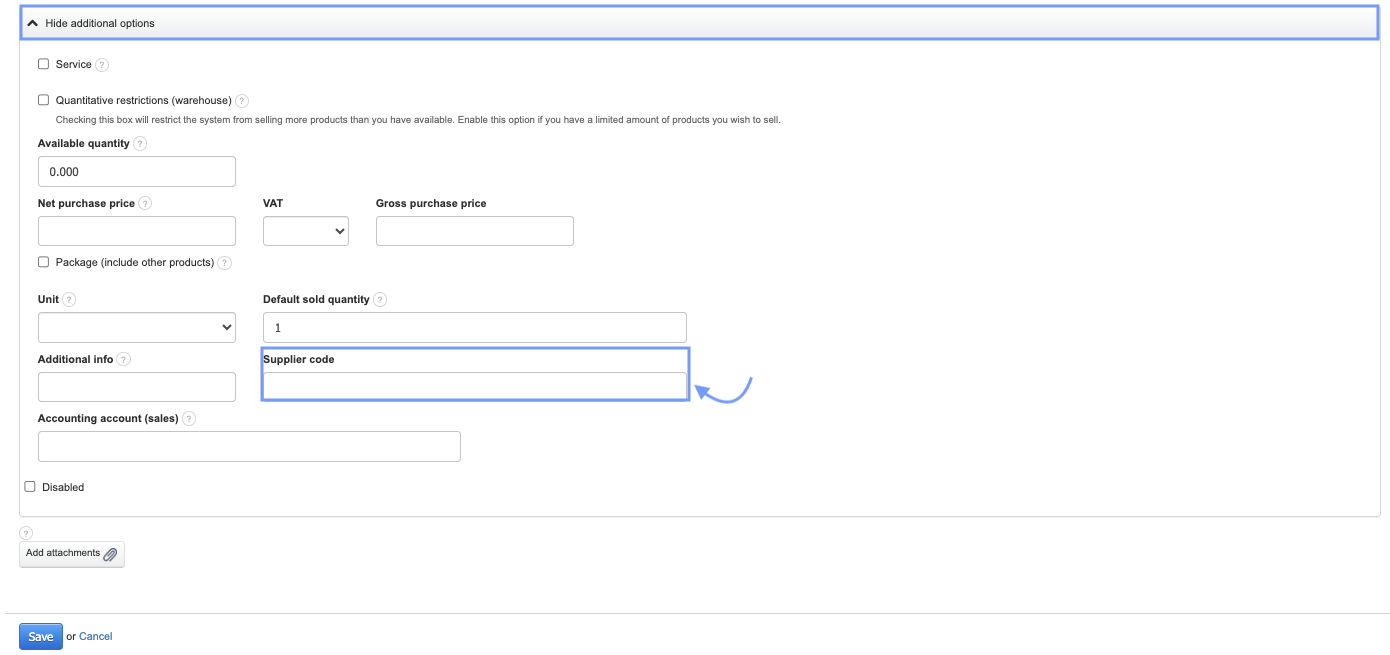
4. Confirm the creation of the product or the changes by clicking the Save button.
The Supplier Code field is purely informational. It is not intended for use within the system.