If a product you are selling usually has a greater quantity than 1, you can set its default quantity. In order to do so, go to Products > Edit > See more options > Default quantity. Invoices containing that product will have the quantity you set as default.
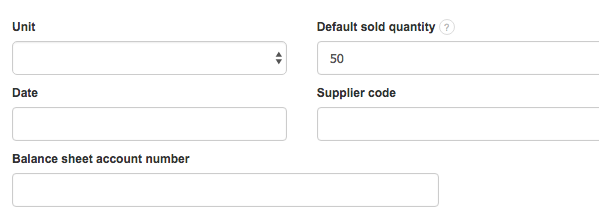
Now when you, for instance, sell "Marble" in the quantity of 50 kg, it is convenient to set the default quantity to 50 kg (the quantity can be easily changed during invoice generation).