We have added a very useful feature of previewing changes in warehouse documents! Thanks to access to the changes panel with details and dates, you can quickly check what happened to the products in the warehouse or when and who of the account users changed the documents.
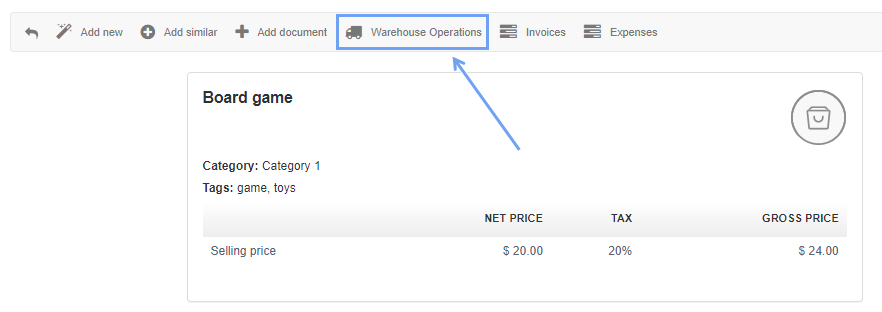
To view the changes go to: Warehouse> Products, then go to the preview of a particular product and click Warehouse Operations
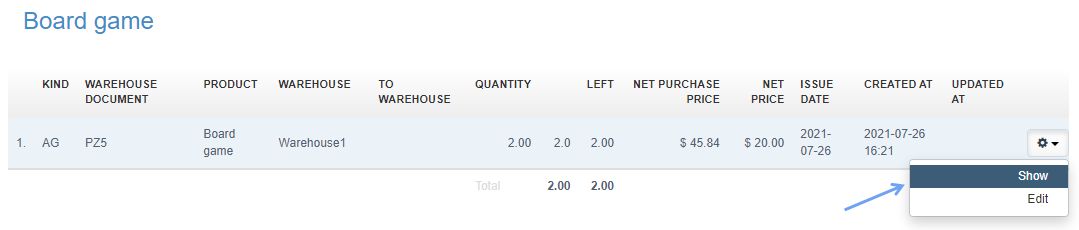
Click the button with a cogwheel icon and choose Show:
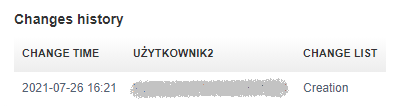
Changes will be displayed: