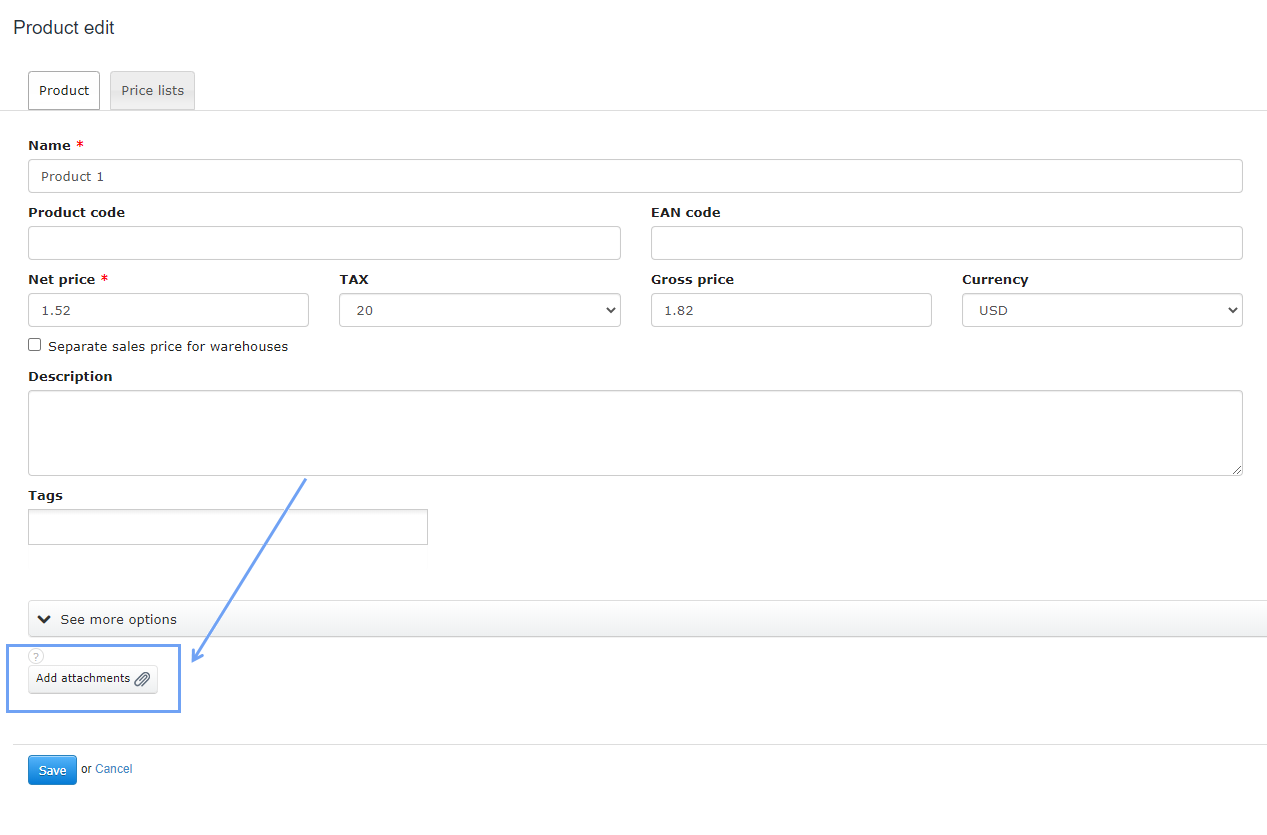
The Add Attachments button located at the bottom of the product card editing page, next to the Save button, aims to facilitate the addition of (for example) image files with product photos.
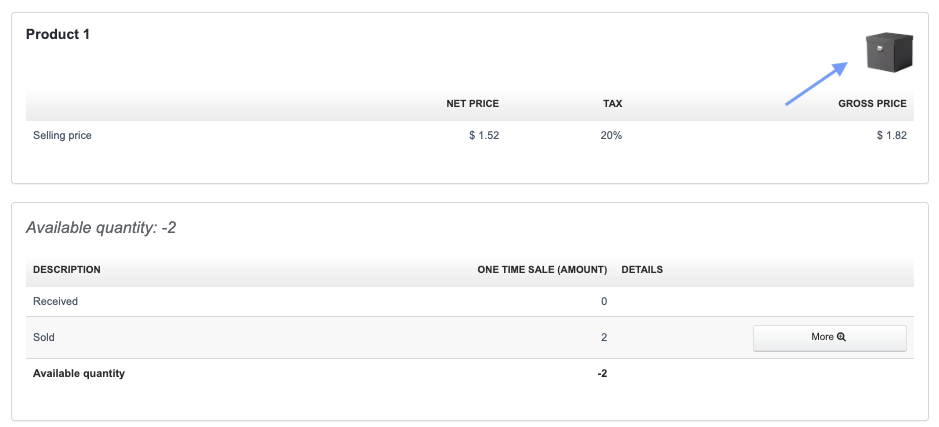
The photo will be displayed on the product card in the top right corner within a circular frame.
NOTE! The photo is not visible on the invoice while entering the product.