InvoiceOcean offers a broad inventory and product module where you can add information about the products you sell.
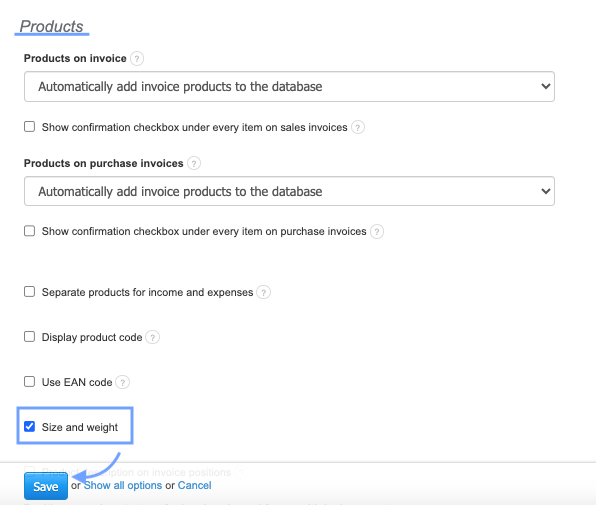
One piece of information you can input into the system is the size and weight of the products. To add this information, first go to Settings > Account Settings > Configuration > Products and check the box Size and Weight.
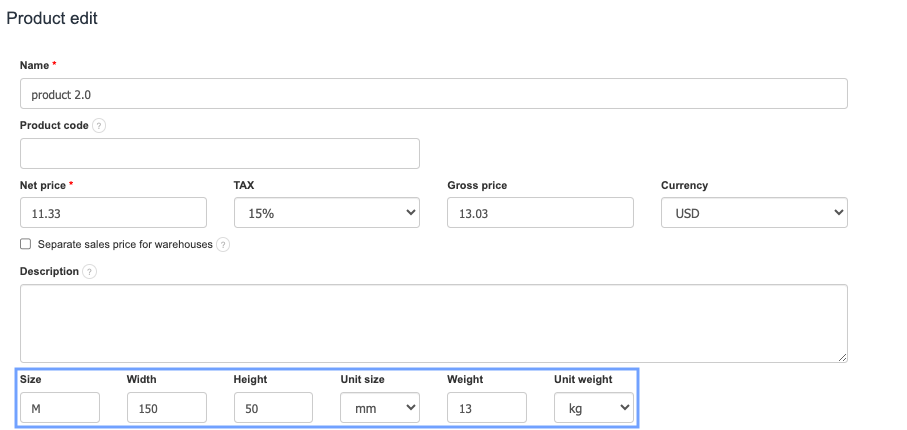
After selecting the above-mentioned option, a field for filling in information about the size and weight of the product will appear on the product card.