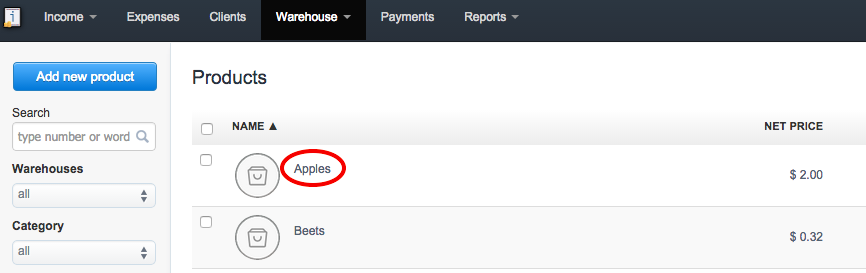
1. Choose the product you wish to delete
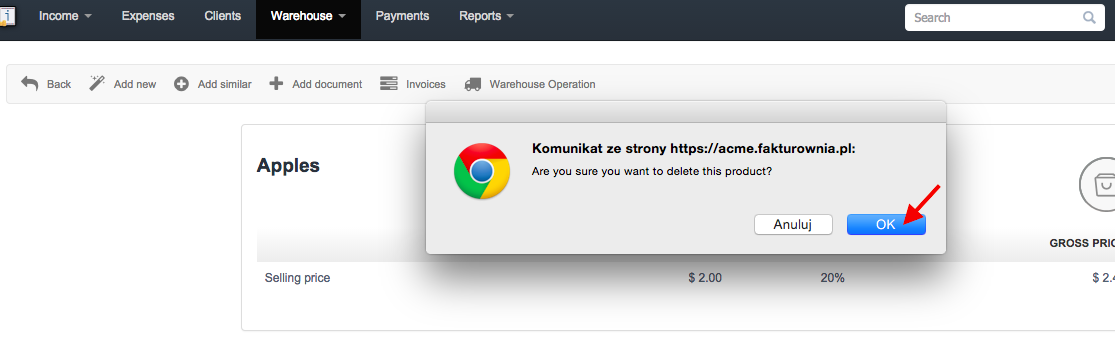
2. Press "Delete" option on the right hand corner and ( when you're sure :) ) click OK
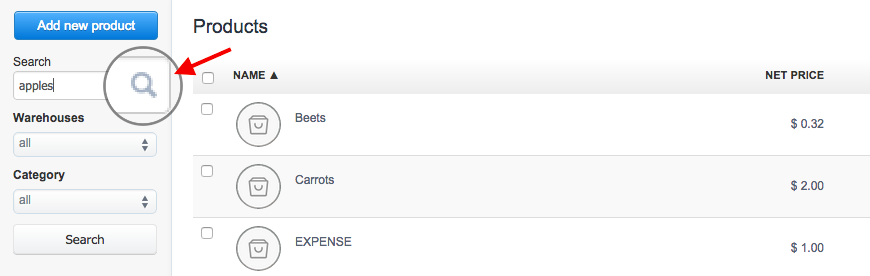
3. In order to restore the deleted product, type its name and press the search button
.
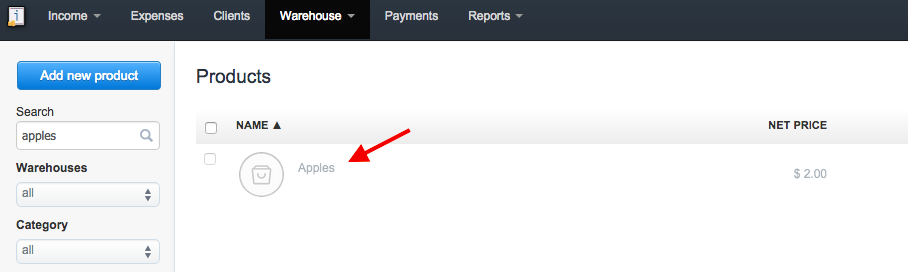
4. Find the deleted product and press "Edit"
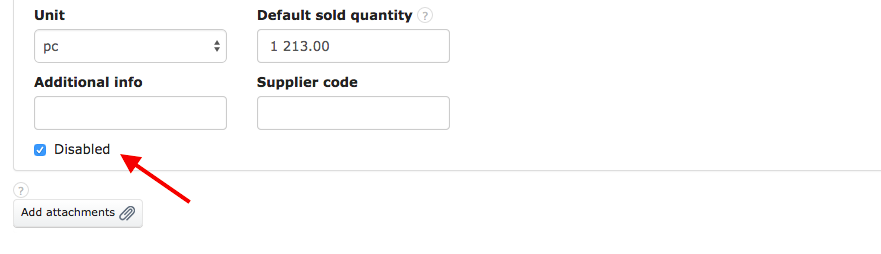
5. This product is disabled, but you can still restore it
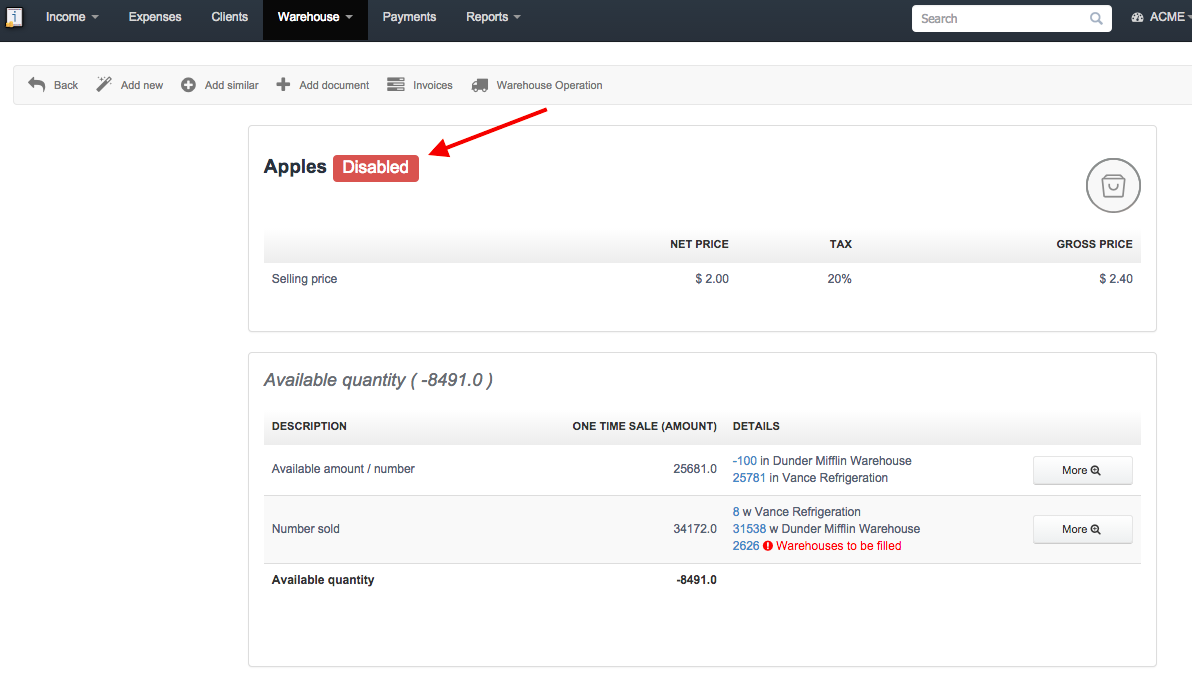
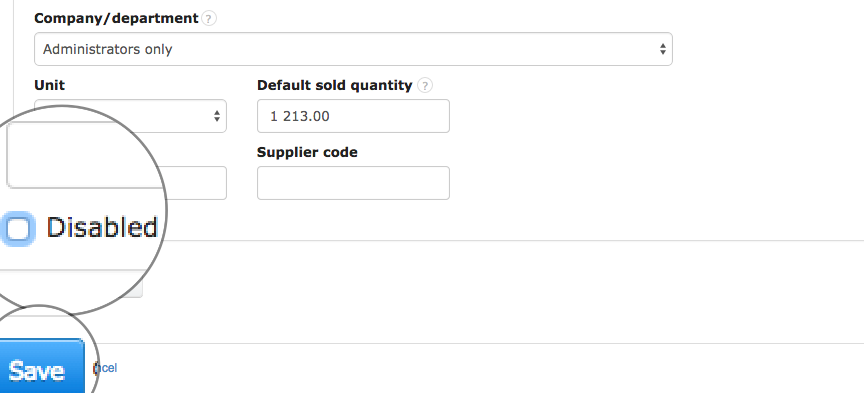
6. Find the "Disabled" checkbox, deselect this field and press "Save".