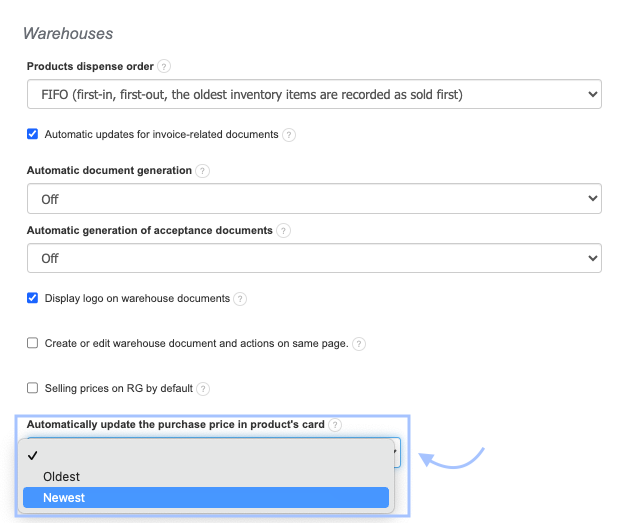
Purchase price on the product card - where to fill it in?
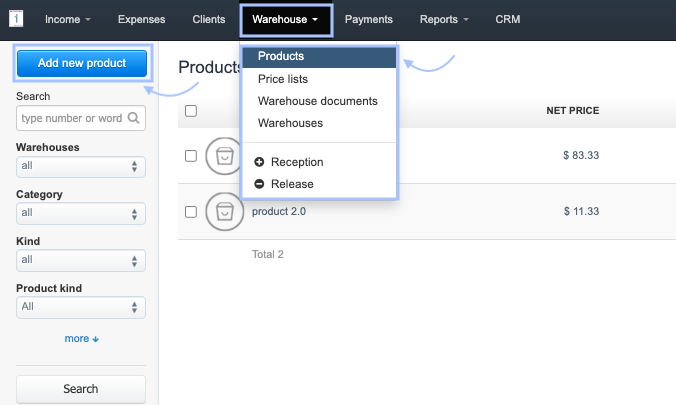
To add the purchase price of a product manually when creating it in the database:
2. Complete the required fields,
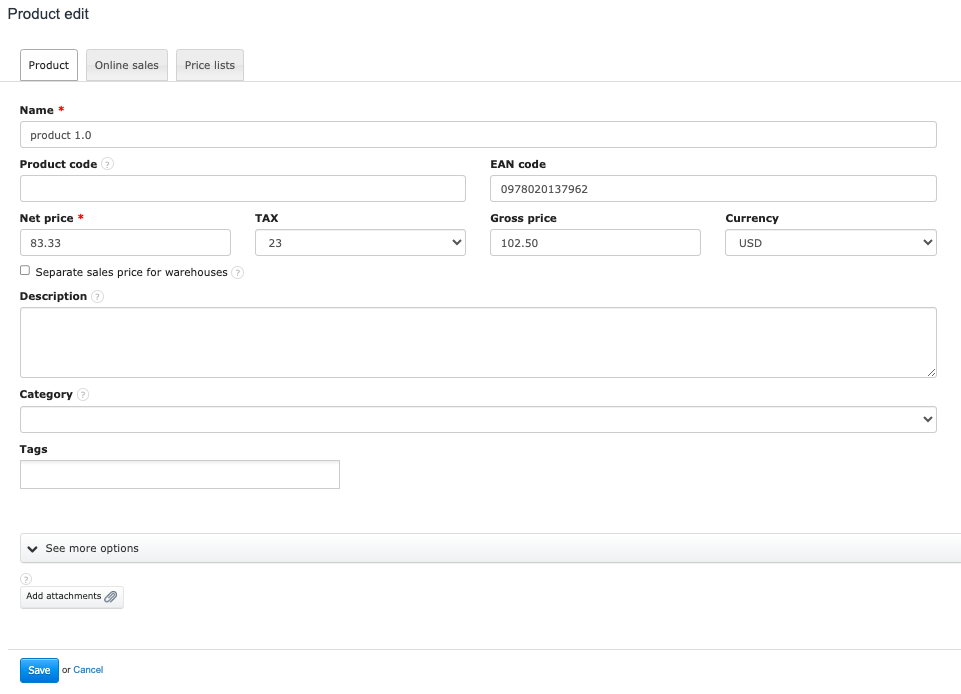
3. To add the purchase price of the product, expand the See more options section (Hide additional options if already expanded),
4. Locate the Net Purchase Price field, and fill it in. Set the tax rate, and the system will automatically calculate the Gross Purchase Price,
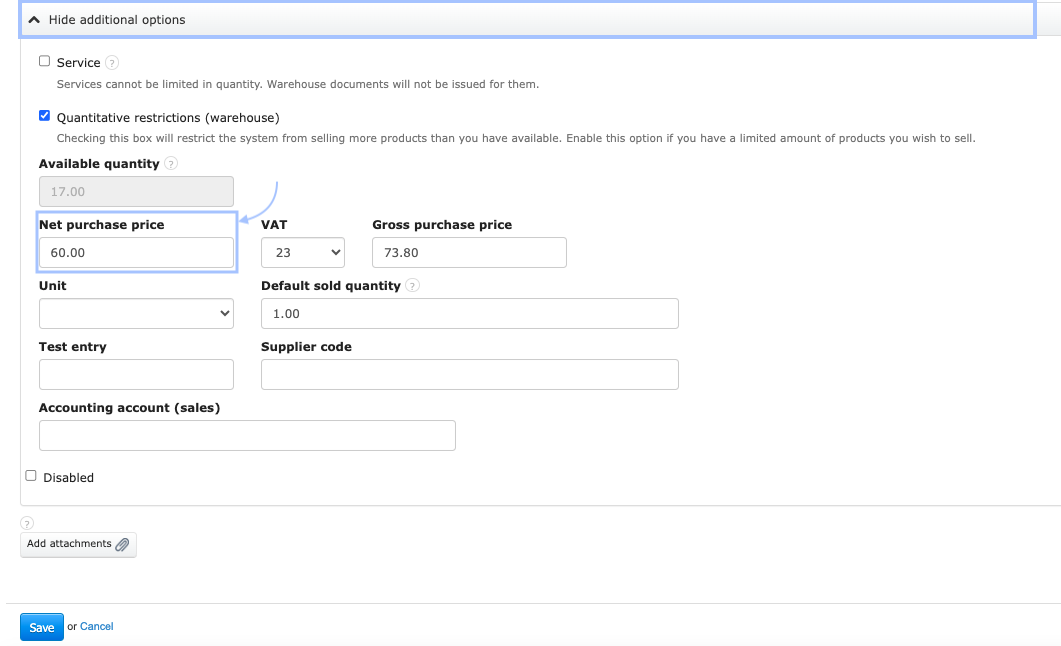
5. To create a product or confirm changes made in the product card, use the Save button.
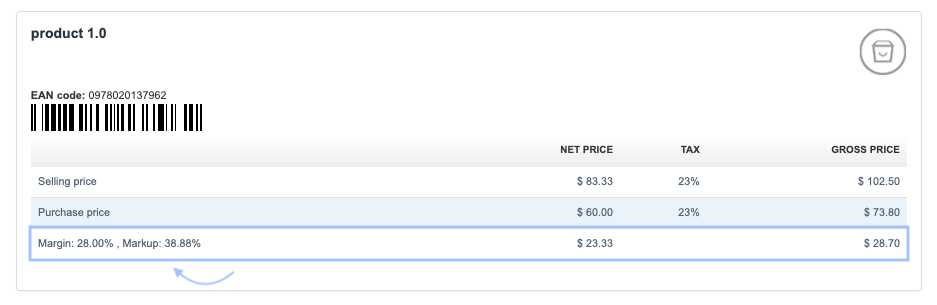
Based on the entered selling price and purchase price, the system will display the margin and markup in the product card.
Automatic update of purchase prices on the product card
By activating warehouse management, you can use a setting that will automatically update the purchase price based on Acceptance of goods documents.
This option is available by going to the Settings > Account Settings > Configuration > Warehouses. In the Automatically update the purchase price in product's card field, you can choose one of three options: an empty field, the oldest, the newest. You can find a detailed description of this feature in the dedicated entry → Automatic update of purchase prices on the product card.
For the 'Oldest' or 'Newest' option, the system will adjust the price based on the latest or oldest Acceptance of goods.
Also, check: