The menu button is located in the upper right corner in a form of a cogwheel symbol.
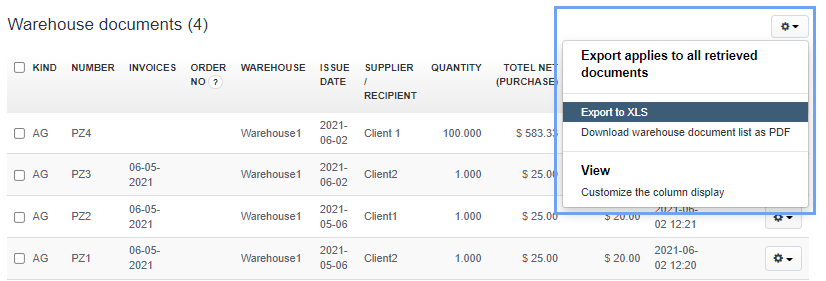
In the pop-up menu you will find:
- Export to XLS
- Download warehouse document list as PDF
- Customize the column display
Unfortunately, I couldn't find an answer to this question.
Unfortunately, I couldn't find an answer to this question.