There is an option in the system to quickly issue a warehouse document from a previously issued document, e.g. for the same Client.
Go to the preview of the last issued warehouse document by clicking on its number and from the pop-up menu select Add similar.
After using this function, the program will open a new form of a warehouse document and copy all the data from the previous document.
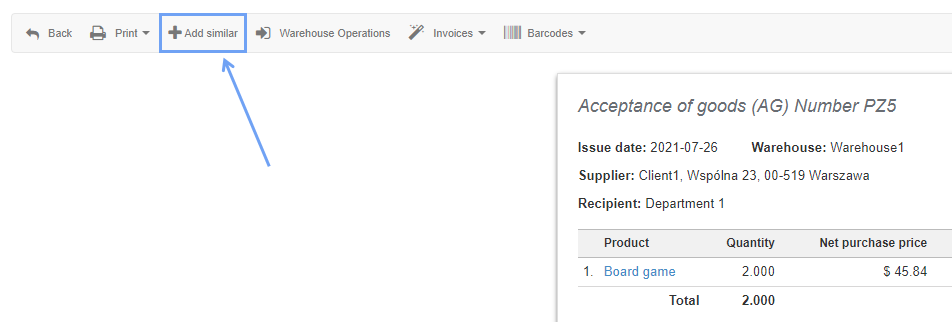
This function is active for new warehouse document formats, graphically similar to the invoice format.
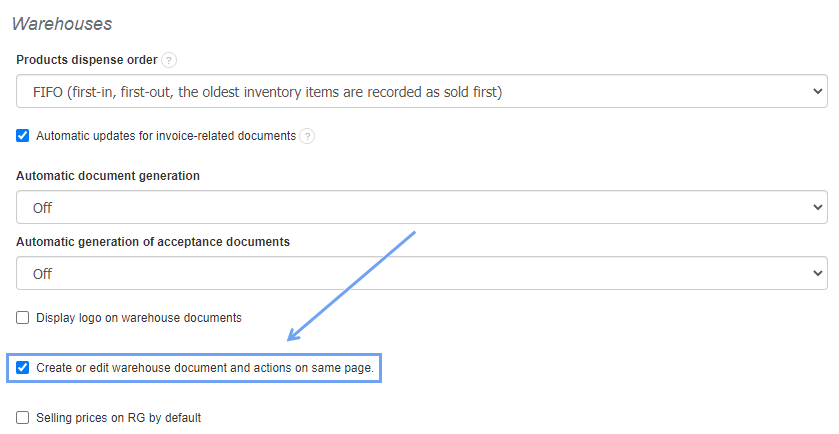
To activate the new invoice format on warehouse documents, go to Settings> Account settings> Configuration> Warehouses> Create or edit warehouse document and actions on same page.
In a similar way, you can generate an invoice from an already existing invoice. Information can be found here.