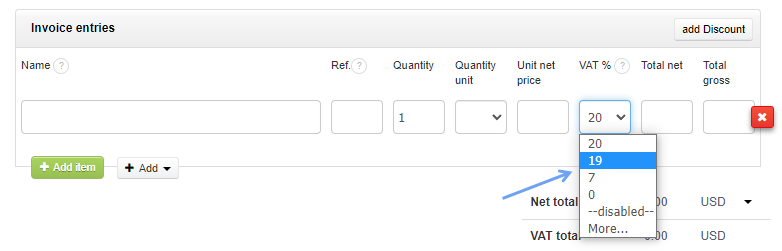
When adding items to the invoice, you can select any tax rate, including zero VAT rate. To change the tax rate for an item, you need to click on the VAT % section and select the appropriate option.
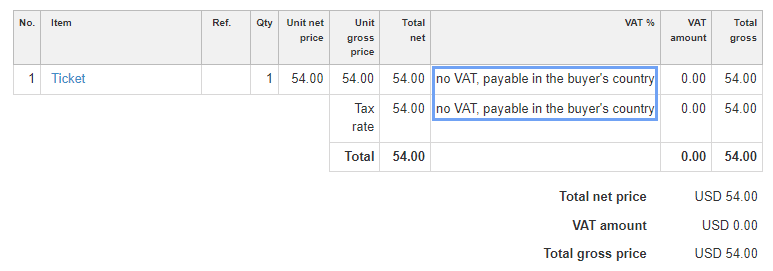
You can also select More... (when selecting the VAT rate), so that you can insert any text such as "no VAT, payable in the buyer's country".
Read more about defining your own tax rates here.
Searching for an answer...
AI Answer
Sources
Was this answer helpful?
Unfortunately, I couldn't find an answer to this question.