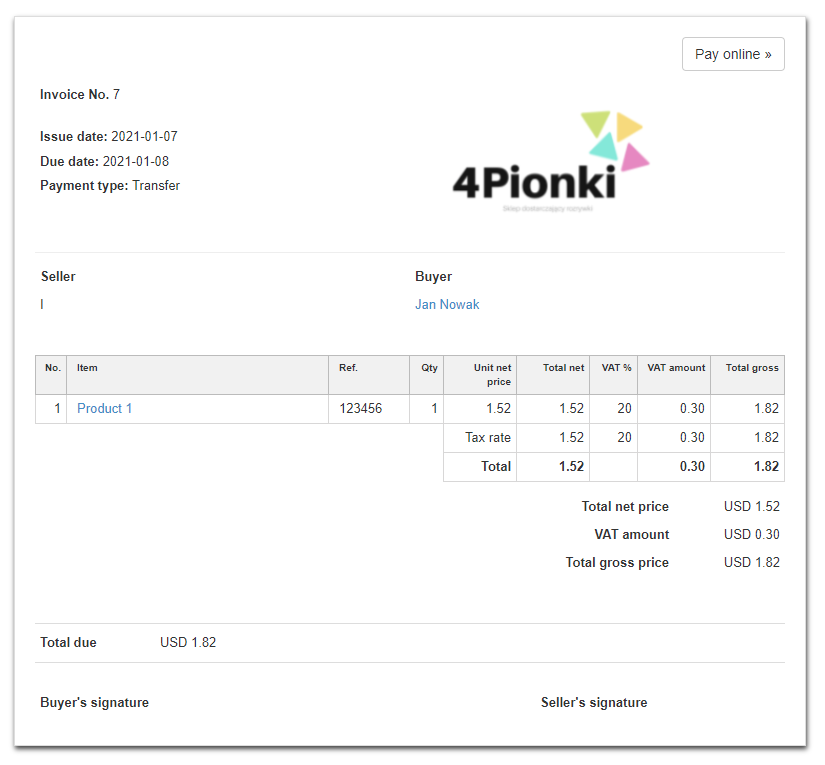
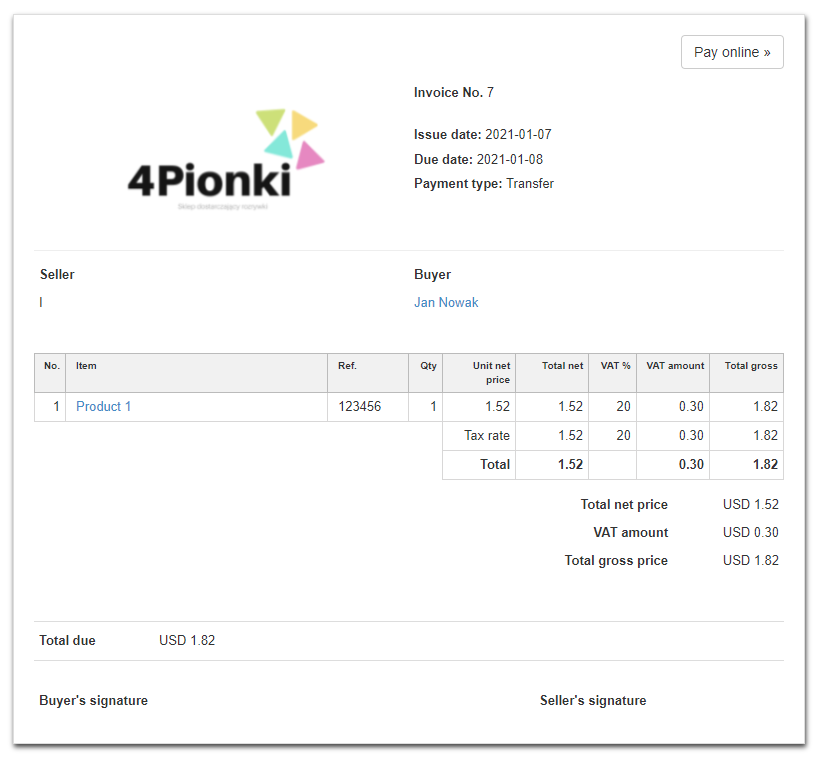
Note! Please note that the following changes are visible only on a printout with the Quick Print option (CTRL+P) or the Print> Quick print. The change will not be visible on the PDF generated from the system.
In order to change any element of the invoice on the printout, go to the Settings> Account settings> Print settings tab, and then at the bottom of the page fill in the field Customize print with CSS with the CSS code shown below:
}@media all{html
table.clean.to_half>tbody>tr>td:nth-child(1)
{display:block;width:50%;float:right}html
table.clean.to_half>tbody>tr>td:nth-child(2)
{display:block;width:50%;float:left}}
After applying the code and printing the invoice, the Logo will be located on the left side of the document.
Before change:
After change: