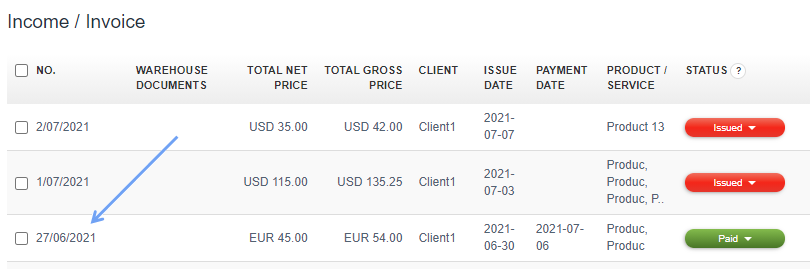
Next, underneath the invoice, there is a Document activity panel associated with the document.
The activity panel contains information about creating, editing, printing and sending the document, including the exact date and time of the process. The delivered status informs you that your client's email box definitely received the correspondence, which does not mean that the client must have seen it. The message may have gotten stuck in one of the numerous mail tabs, e.g. in the SPAM tab.

Other statuses are: sent (email sent) in blue:
and Not-delivered in red:
The red status displays a message about the reason for non-delivery of correspondence.
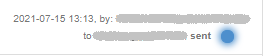

What if the blue status lasts for long? It is related to procedures of many mail servers which treats the first correspondence as SPAM but asking to send it again to confirm reliability of message. The second automatic message by our email server is accepted and delivered to the client’s mail, then the status of the dispatch in the InvoiceOcean.com service changes to delivered (green color).