InvoiceOcean allows for issuing invoices in different languages and all currencies.
To change the currency or language for a specific invoice:
- When creating or editing an invoice, find the Currency and Language fields just above the See more options button,
- select one from the available options,
- press the Save button.
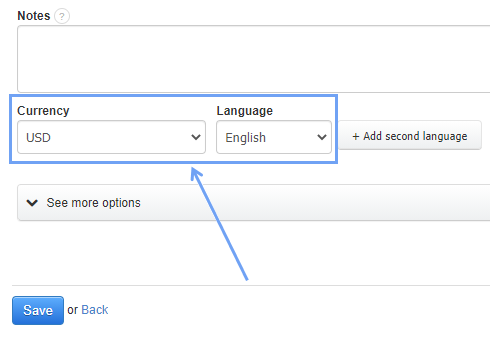
You can also issue a bilingual invoice. To do this, select the Add second language option.