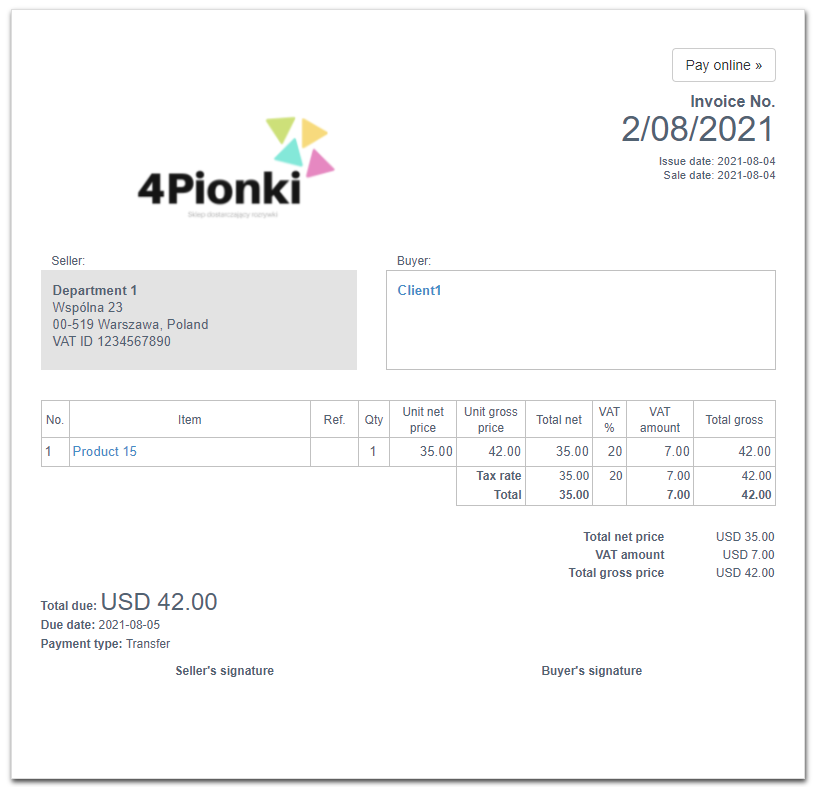
In order to change any element of the invoice on the printout, go to the Settings> Account settings> Print settings tab, and then at the bottom of the page fill in the field Customize print with CSS with an appropriate CSS code.
To align the logo to the left (inside its box, not to the edge of the card), copy and paste the following code:
} @media all {
#logo, #logo_place { text-align: left !important; }
#logo_place img {margin-right: auto; }
To align the logo to the right (inside its box, not to the edge of the card), copy and paste the following code:
} @media all {
#logo, #logo_place { text-align: right !important; }
#logo_place img {margin-left: auto; }
To align the logo to the top (inside its box, not to the edge of the card), copy and paste the following code:
} @media all {
#logo_place img { margin-top: 0px; }
The value of the top margin should be adjusted to your needs, it can take positive and negative values. For example, if you want to move the logo 5px up, paste:
} @media all {
#logo_place img { margin-top: -5px; }
Example of how the above code works (gray template):