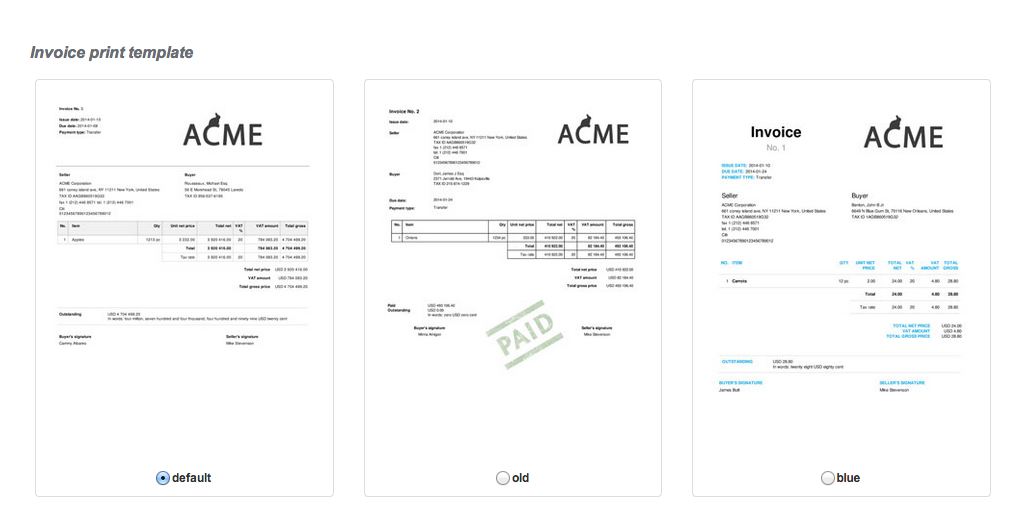
InvoiceOcean allows you select one of 7 available invoice templates.
In order to change your template, go to Settings > Account settings > Invoice templates.
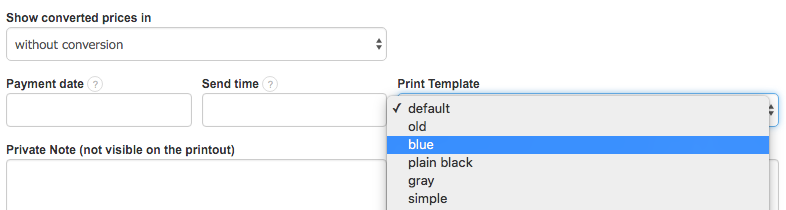
Changing the template for a particular invoice
Invoice template can be changed even while issuing an invoice.
In order to change the template, click "See more options" and select the appropriate template.
You can also edit the template to match your individual needs. Here you can find template changes that can be made using CSS.