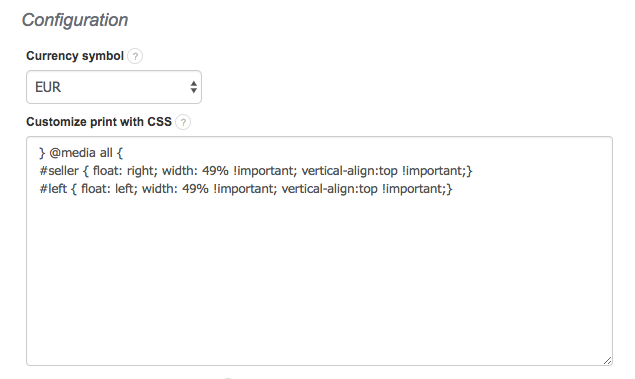
To customize the invoice template so that the Seller’s and the Buyer’s data are switched when printing, go to Settings> Account settings> Print settings and at the bottom of the page, in the Customize print with CSS field, paste the following code:
} @media all {
#seller { float: right; width: 49% !important; vertical-align:top !important;}
#left { float: left; width: 49% !important; vertical-align:top !important;}