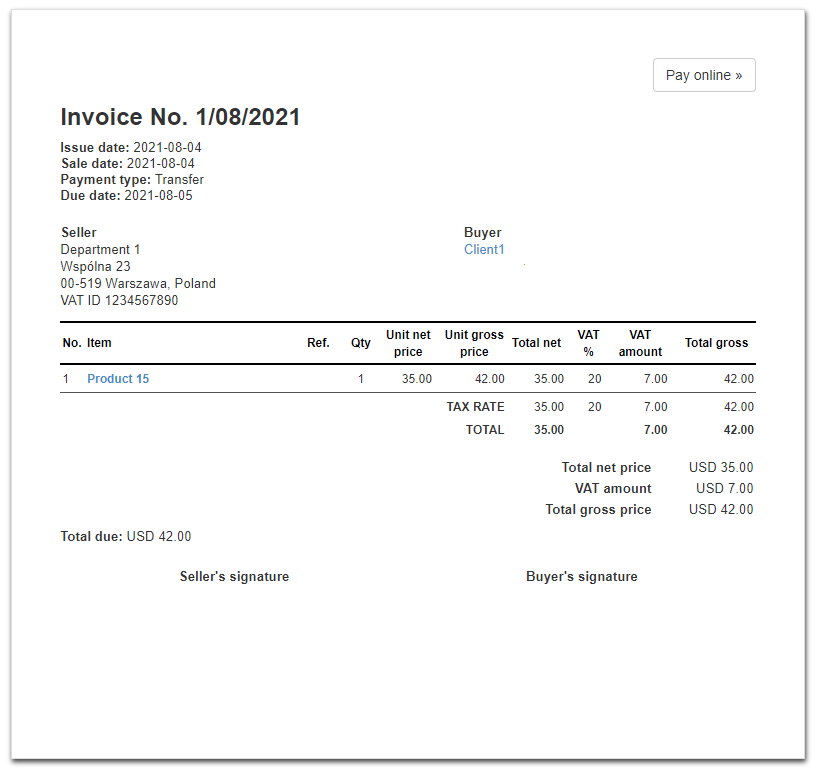
In order to change the leading color of the menu bar in the Plain Black template to white, go to Settings> Account settings> Print settings (menu on the left), and then at the bottom of the page, in the field Customize print with CSS apply the following CSS code:
} @media all {
#pos_table th {background-color:white;color:black; border-top:2px solid black;border-bottom:2px solid;black;}
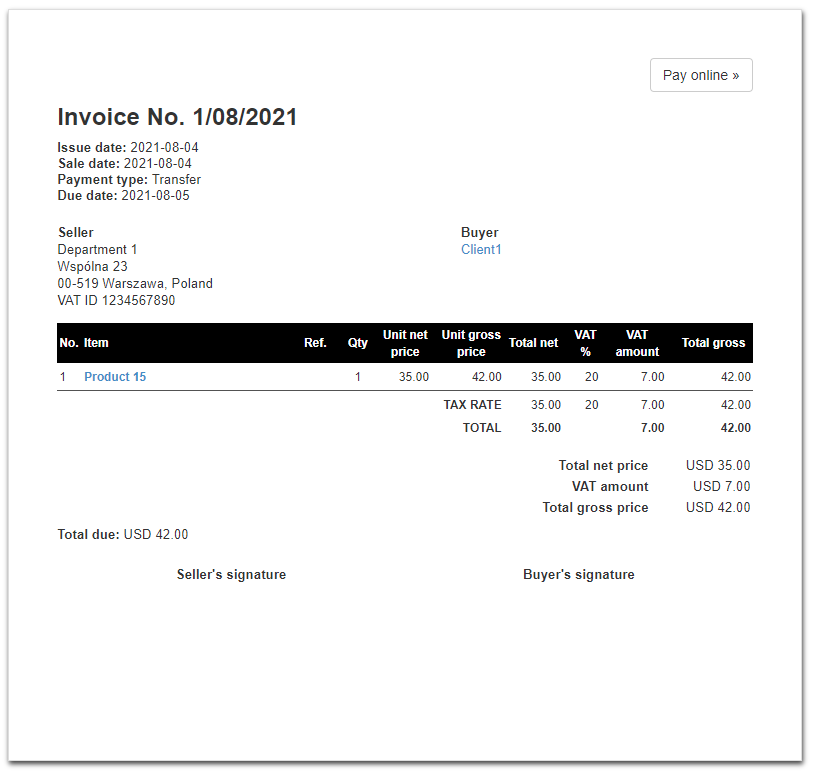
Invoice in Plain Black template before changes:
Invoice appearance after applying css code, header bar has been changed to white: