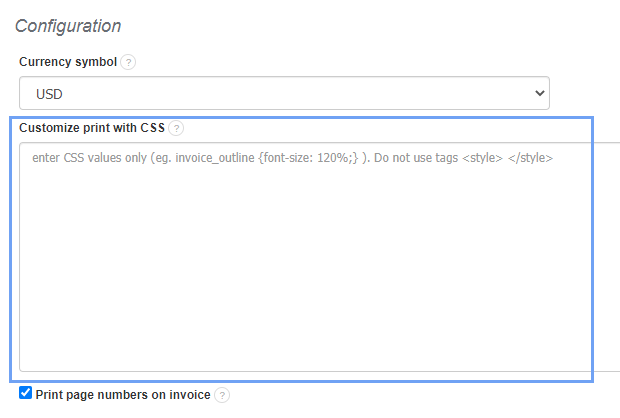
In order to do this, go to Settings > Account settings> Print settings (menu on the left), and then at the bottom of the page, in the field Customize print with CSS apply the following CSS code:
html table th, html table td {
font-size: 11px;
line-height: 10px;
margin: 0;
padding: 2px;
}
Note: the product code will not be printed on the PDF and the printout. However, when you share the preview of the invoice to the client, the product number will be visible in the HTML code of the invoice.