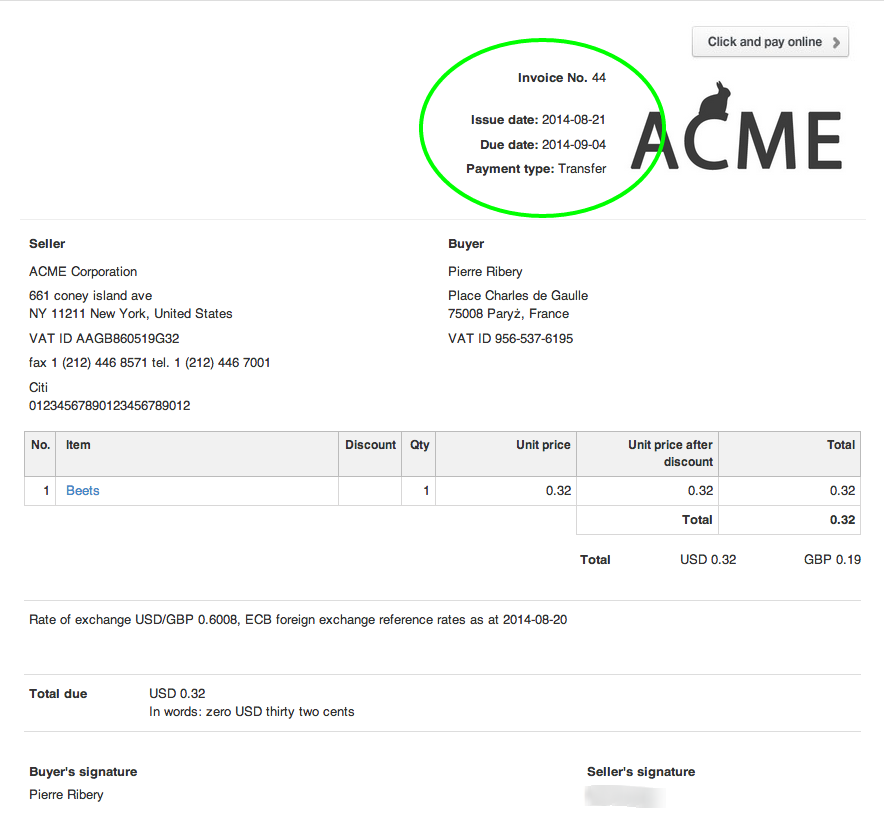
You may select whether your changes will apply to a printed invoice, previewed invoice, or both.
In order for the changes to apply to printed invoices only, start by pasting the following code:
}
@media print{
In order for the changes to apply to previewed invoices only, start by pasting the following code:
}
@media screen{
In order for the changes to apply to printed and previewed invoices, start by pasting the following code:
}
@media all{
table.clean.to_half td { width:100%; } table.clean.to_half td p { text-align: right; } table.clean.to_half td.logo_inside, table.clean.to_half td.logo_inside p { padding:0; margin:0; width:1px !important; }