This feature allows you to place a default entry in the Notes field that will appear on the second page of the document.
Additionally, you can set similar notes by editing each document you issue.
The default entry in the Notes field on the second page of the invoice can be changed under Settings> Account Settings> Configuration> Invoices and documents> Default entry in "Notes on the second page".
When you add an entry, the text will be displayed as follows:
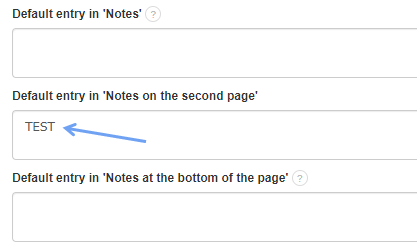

The text in this field can be enlarged or bolded as desired using the appropriate html code. Instructions can be found here.