In InvoiceOcean, it is possible to set a default entry in the form of a note in the footer (as well as in the notes field on invoices and notes on the second page). Additionally, you can also set similar notes by editing each issued document.
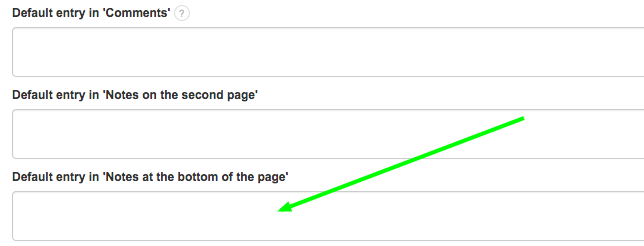
The default entry in the footer of the invoice can be changed in the menu Settings > Account Settings > Configuration > Default entry in the 'Notes at the bottom of the page' field.
The text in this field can be enlarged or bolded using the appropriate HTML code. Instructions below:
https://help.invoiceocean.com/76379647-Bold-increased-text-in-the-Notes-field-on-the-invoice-printout-using-html-code
https://help.invoiceocean.com/76379647-Bold-increased-text-in-the-Notes-field-on-the-invoice-printout-using-html-code
NOTE: For proper display, the entry should contain a maximum of 180 characters.