The easiest way to give the invoice (and all subsequent invoices) the naming that works for you is to follow these steps:
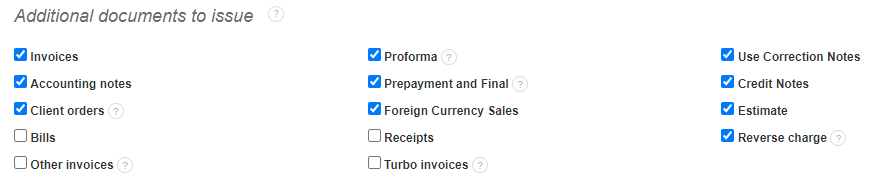
1) under Settings> Account Settings, find the Additional documents to issue field
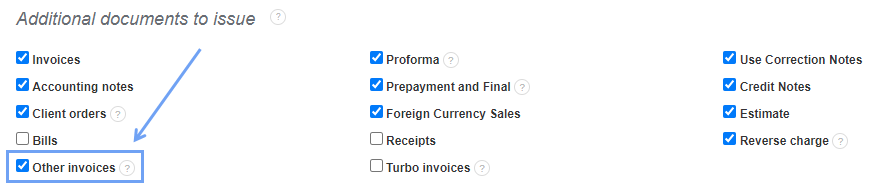
2) Check the Other Invoices box
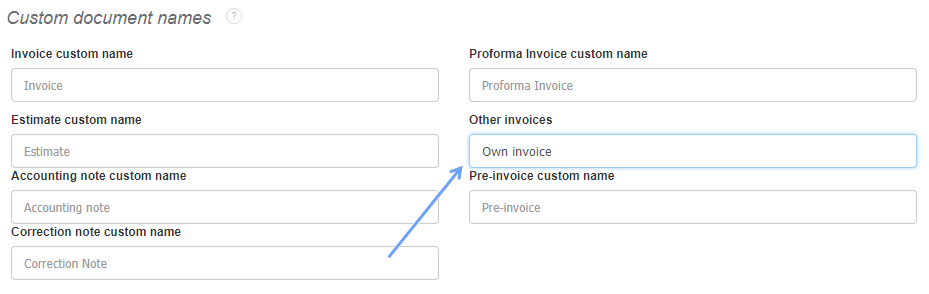
To name such documents, go to Settings> Account settings> Print settings> Custom document names> Other invoices. After entering any document name, save the changes.