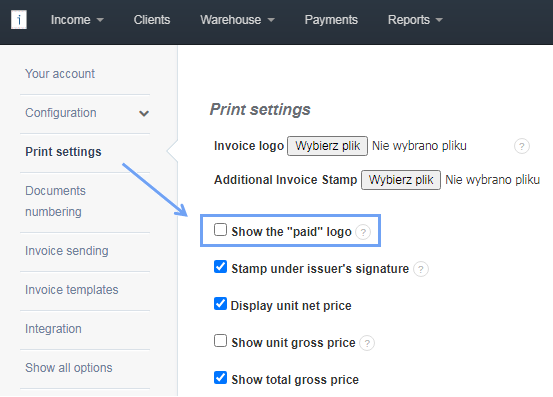
If you want to remove the Paid logo from the invoice template, first open Settings> Account settings, in the list on the left go to Print settings, then uncheck Show the Paid logo and save the changes at the bottom of the page by selecting Save.
Searching for an answer...
AI Answer
Sources
Was this answer helpful?
Unfortunately, I couldn't find an answer to this question.